Try Weglot for free

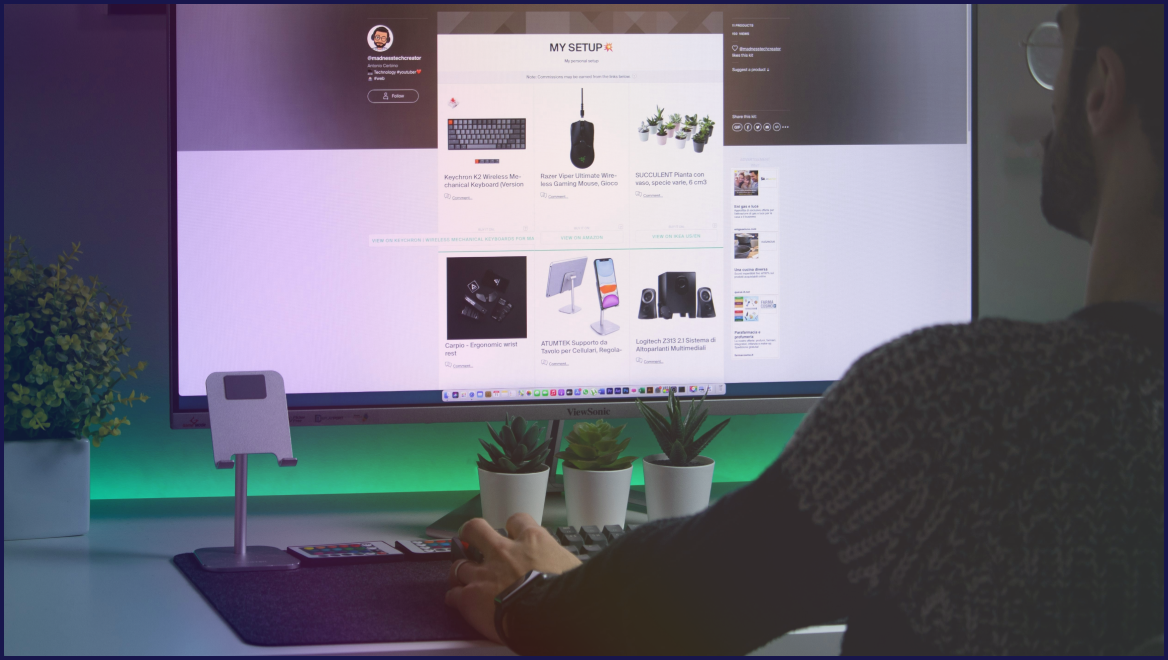


Choosing a multilingual website platform starts with deciding on the type of tool you need. Solutions fit into three main categories – CMS platforms, website builders, and specialized translation tools. Each offers global business different workflows, feature sets, and levels of control.
Pick the wrong route and you’ll find problems instead of the answers you were looking for. It’s common to hear of plugin conflicts, broken URLs, and zero impact on international SEO – negatives that are usually avoided simply by doing your homework. But choose well and your translations stay searchable, editable, and portable as you grow.
This decision framework gives you the knowledge needed to invest in a platform that matches the needs of your own organization. Read on to be able to make your choice with confidence – and be able to justify your investment both now and in the future.
As we’ve seen, there are three main platform groups for making your website multilingual:
Let’s take a look at these three options in greater detail:
Content Management Systems (CMS) give you deep control over multilingual sites, but each one takes a different route. WordPress relies on translation plugins and tools, which means huge flexibility, lots of integrations, and very different UX depending on what you install.
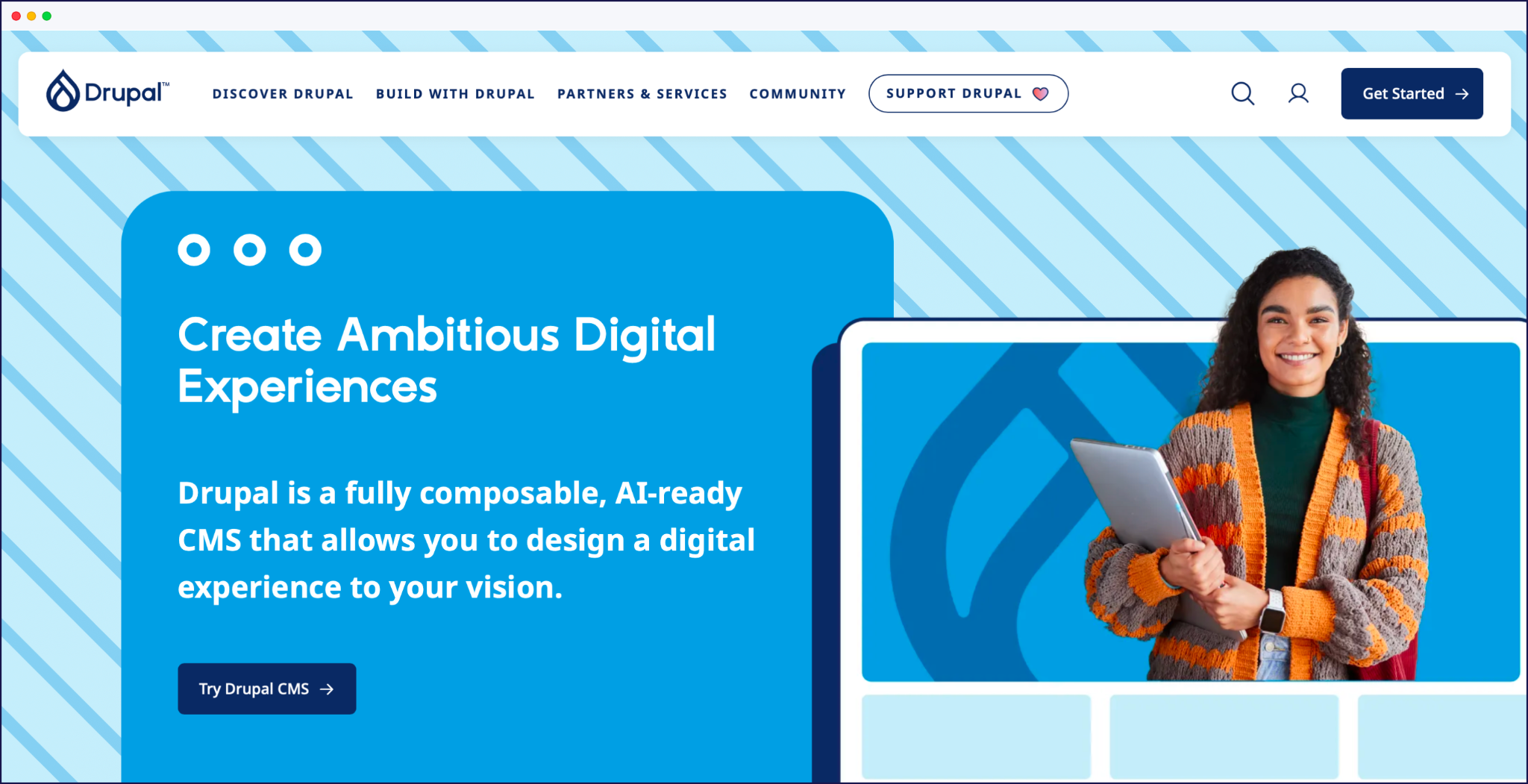
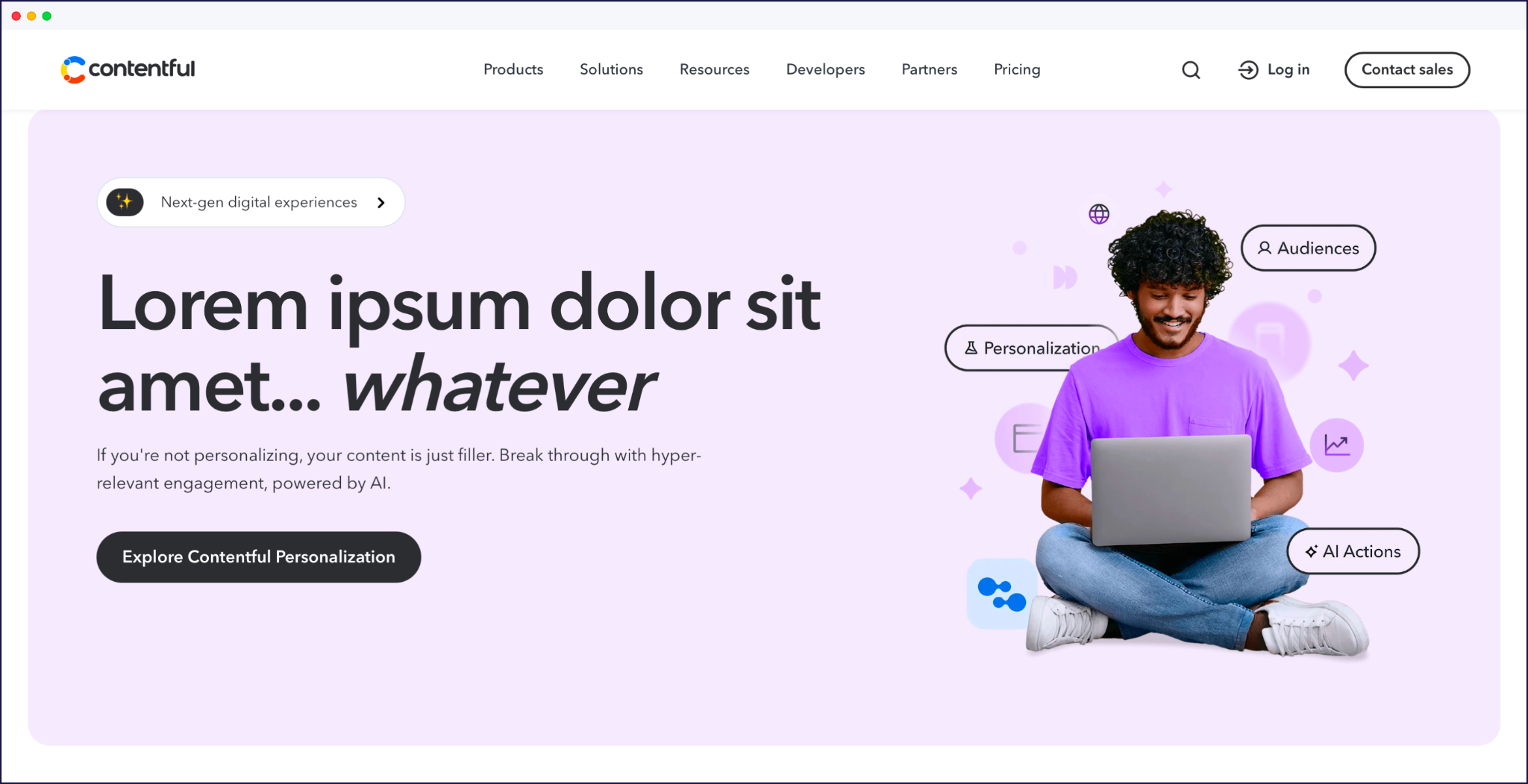
Drupal and Joomla ship with multilingual features already included, so languages, menus, and content types tie into a single configuration model rather than separate plugins. Headless CMS tools such as Contentful and Storyblok add more flexibility, but they need developer time to ship a complete multilingual frontend.
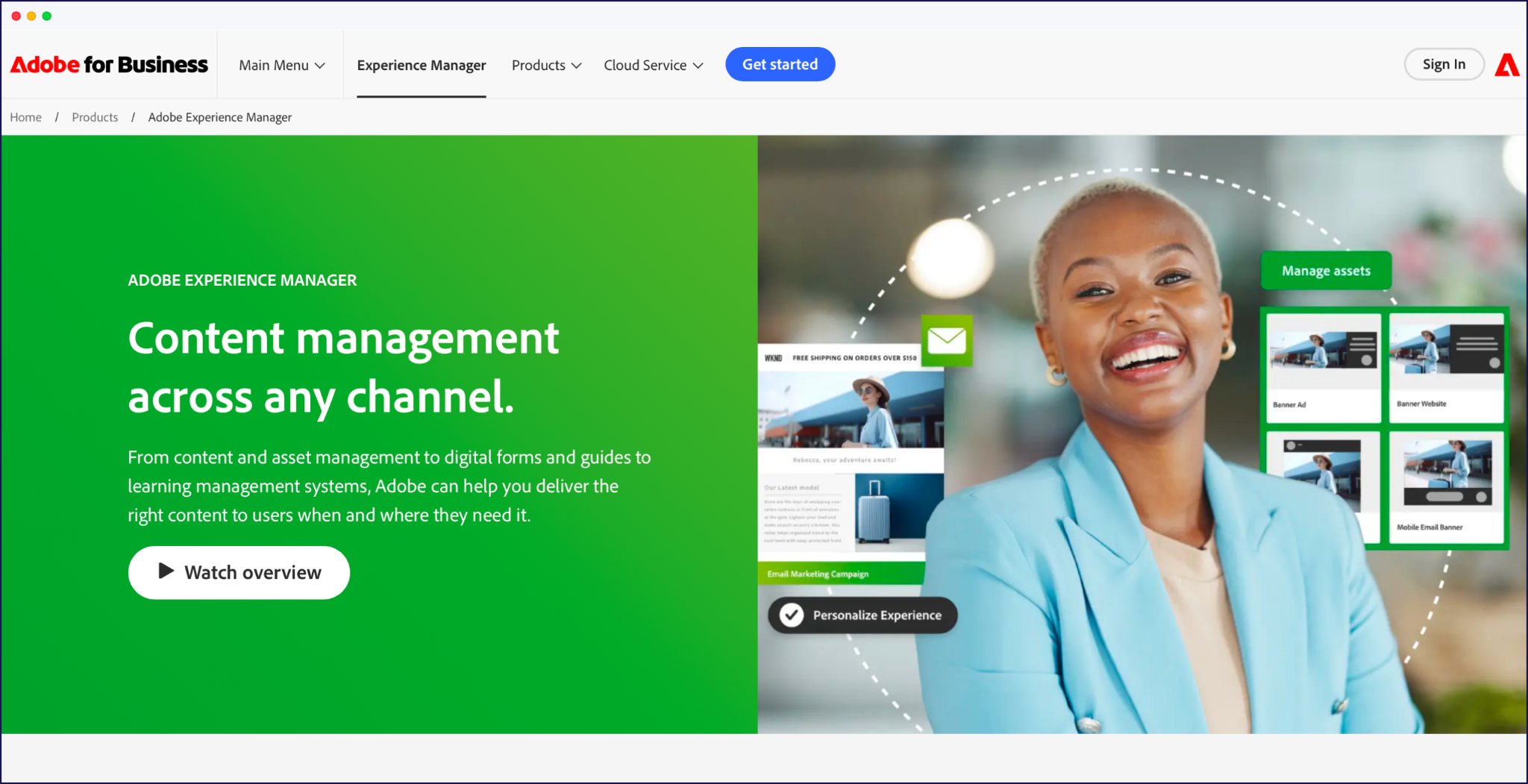
For many teams, WordPress wins on ecosystem, choice, and available support, while Drupal and Joomla offer more customization options ‘out-of-the-box’. At the enterprise end, platforms like Adobe Experience Manager and Optimizely add granular workflow, approvals, and localization rules across large content libraries, but they need specialist teams to run them.
Website builders make multilingual sites feel approachable, especially if you’re already managing everything inside a visual editor. The main players with multilingual features are Wix, Squarespace, and Webflow, each handling languages in a slightly different way.
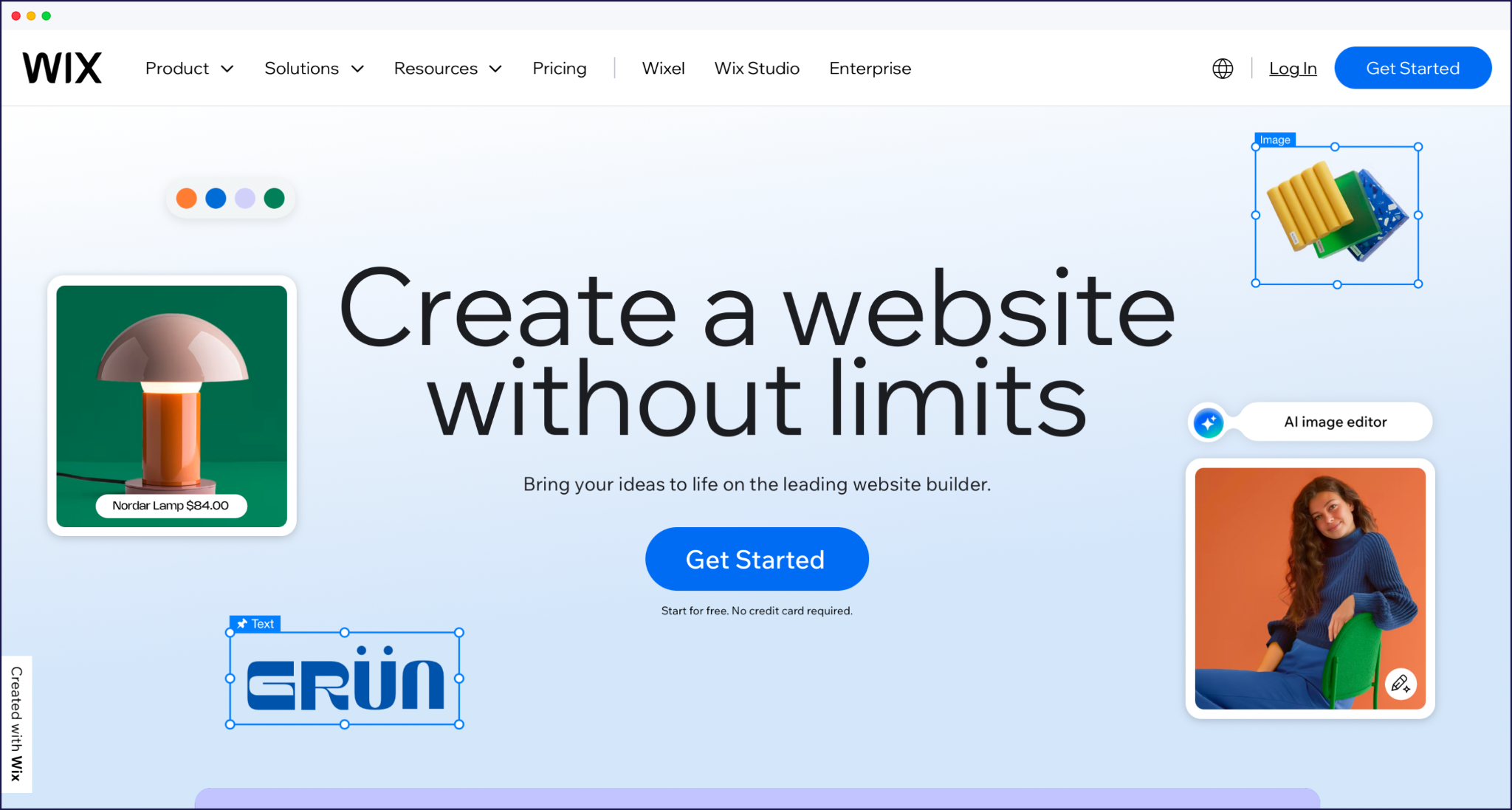
Wix leans into built-in language tools and apps that let you duplicate pages, route visitors, and manage translations from the same dashboard.
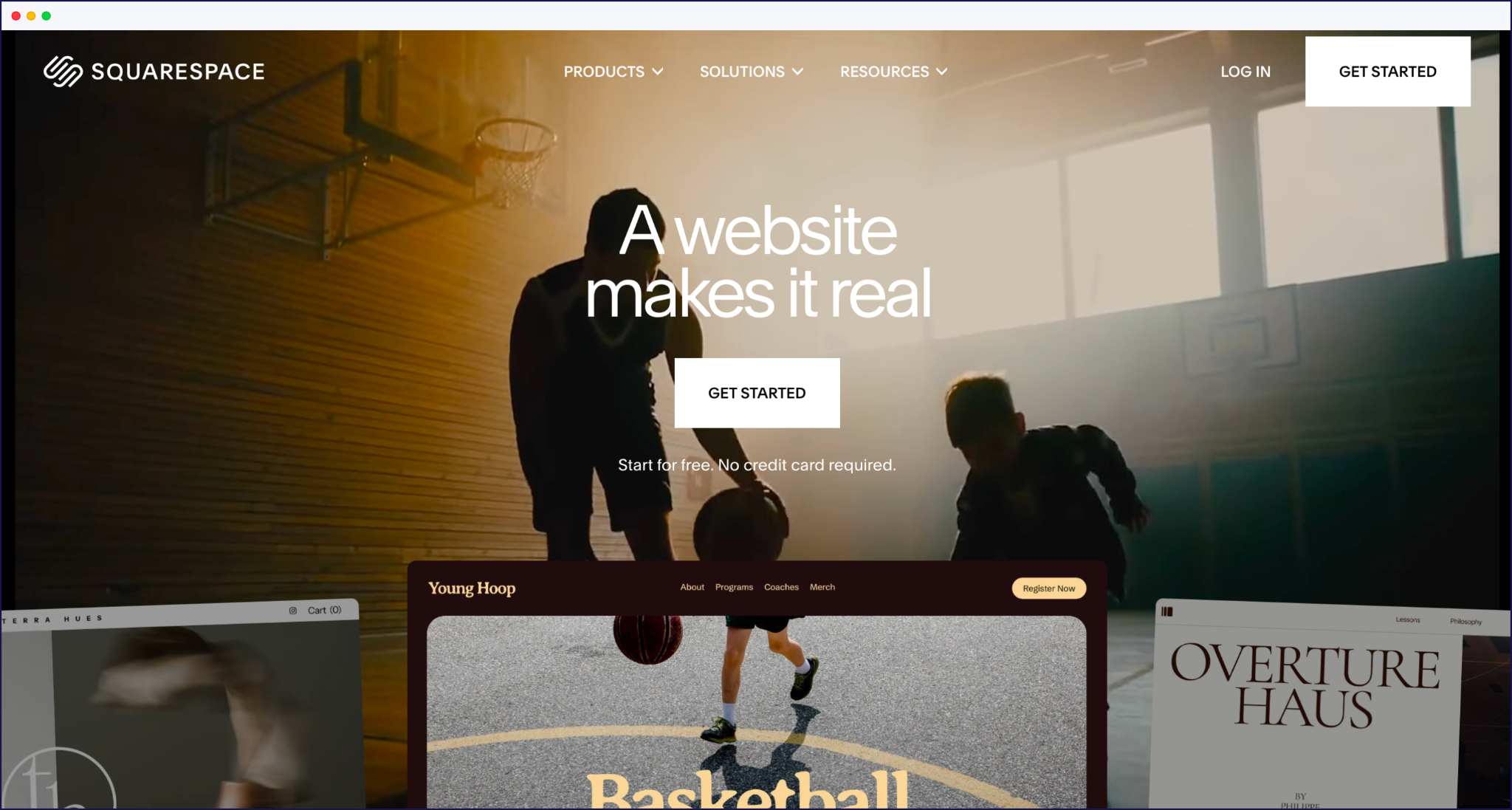
Squarespace focuses on clean structures and language-aware navigation, but if you choose the Squarespace native multilingual option, you’ll handle a lot of duplication and content updates yourself as you grow.
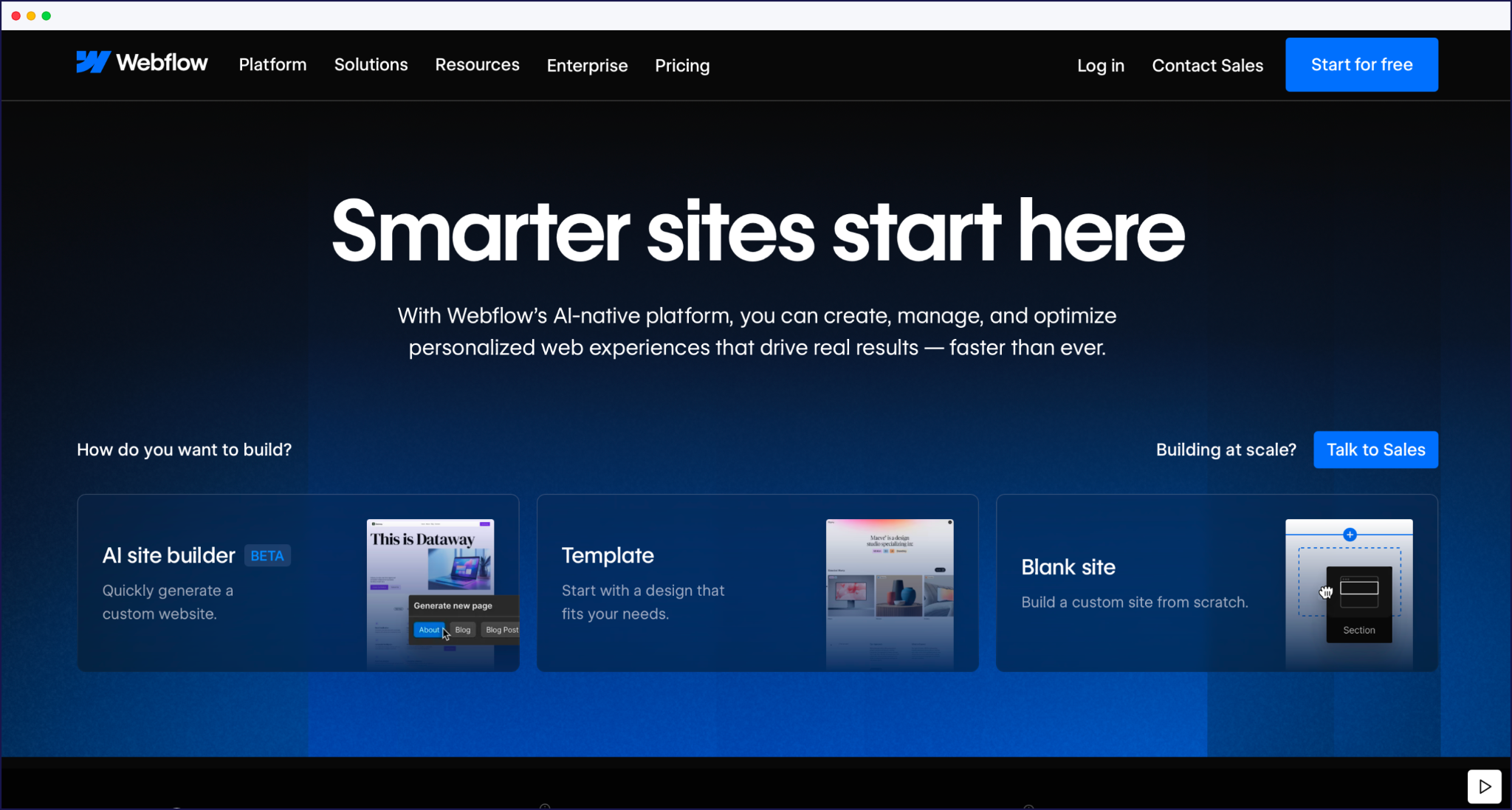
Webflow offers strong control over structure and design, with multilingual features and integrations that appeal to designers and developers.
The trade-off with builders is convenience versus lock-in. Native multilingual features are quick to set up, but your URLs, content model, and translation workflow are tied to that platform’s rules. If you later move to another CMS or introduce a separate ecommerce stack, you’ll likely need to rebuild your multilingual setup from scratch.
Specialized translation tools sit between your site and visitors, handling the multilingual heavy lifting. They detect content on the fly, generate translated versions, and take care of language-specific URLs, hreflang tags, and language switching across many platforms.
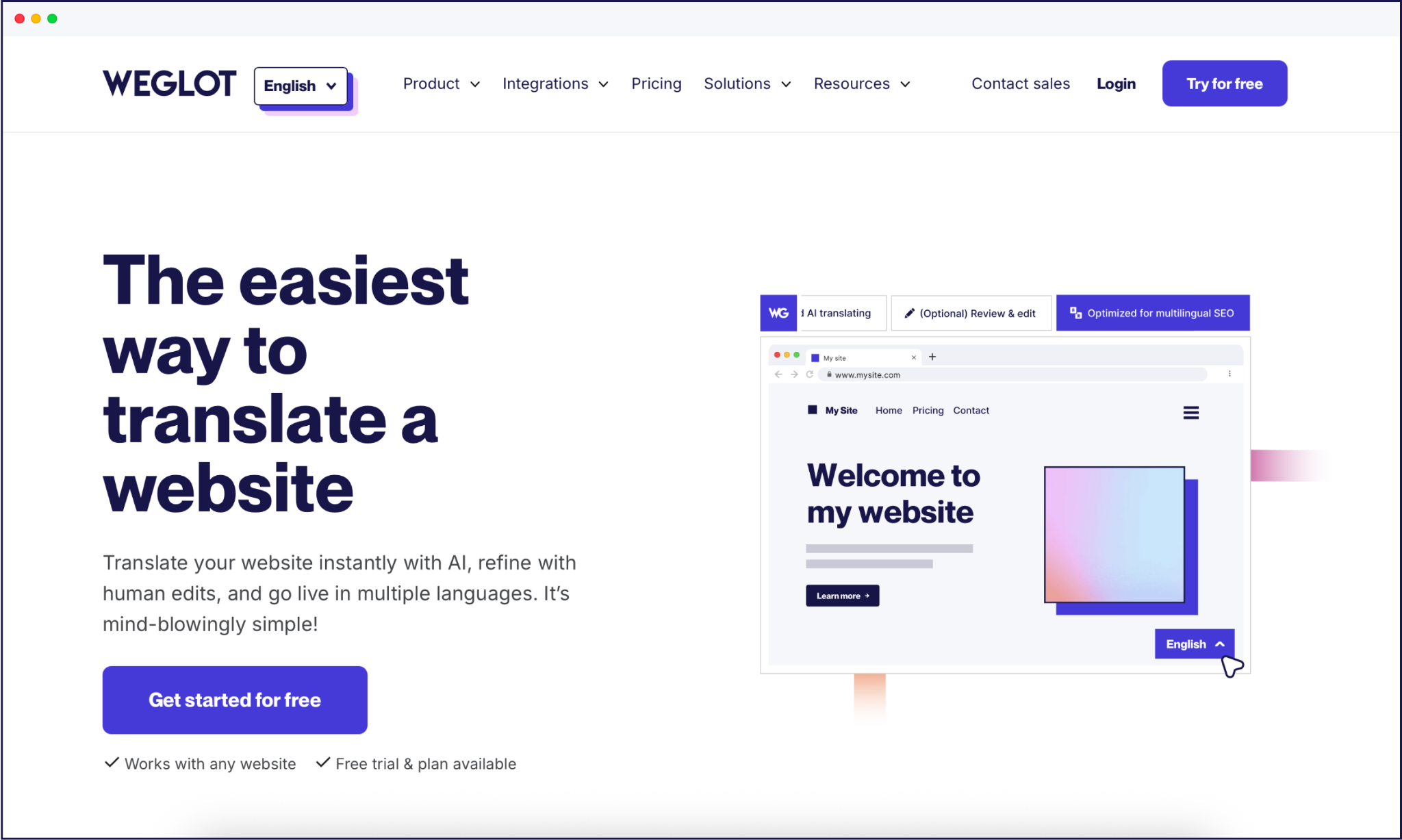
Weglot is a website AI translation tool built for speed and cross-platform consistency. It plugs into WordPress and connects to all other CMS platforms (and custom-built sites) through lightweight integrations, then uses AI translation to translate your site in minutes. You manage everything from a central dashboard, with visual editing, a translation glossary, an AI Language Model, and multilingual SEO handled for you. That keeps maintenance low, even if you juggle several sites or CMSs.
Other leading tools include WPML, Polylang, and TranslatePress – all of which keep translations inside your database.
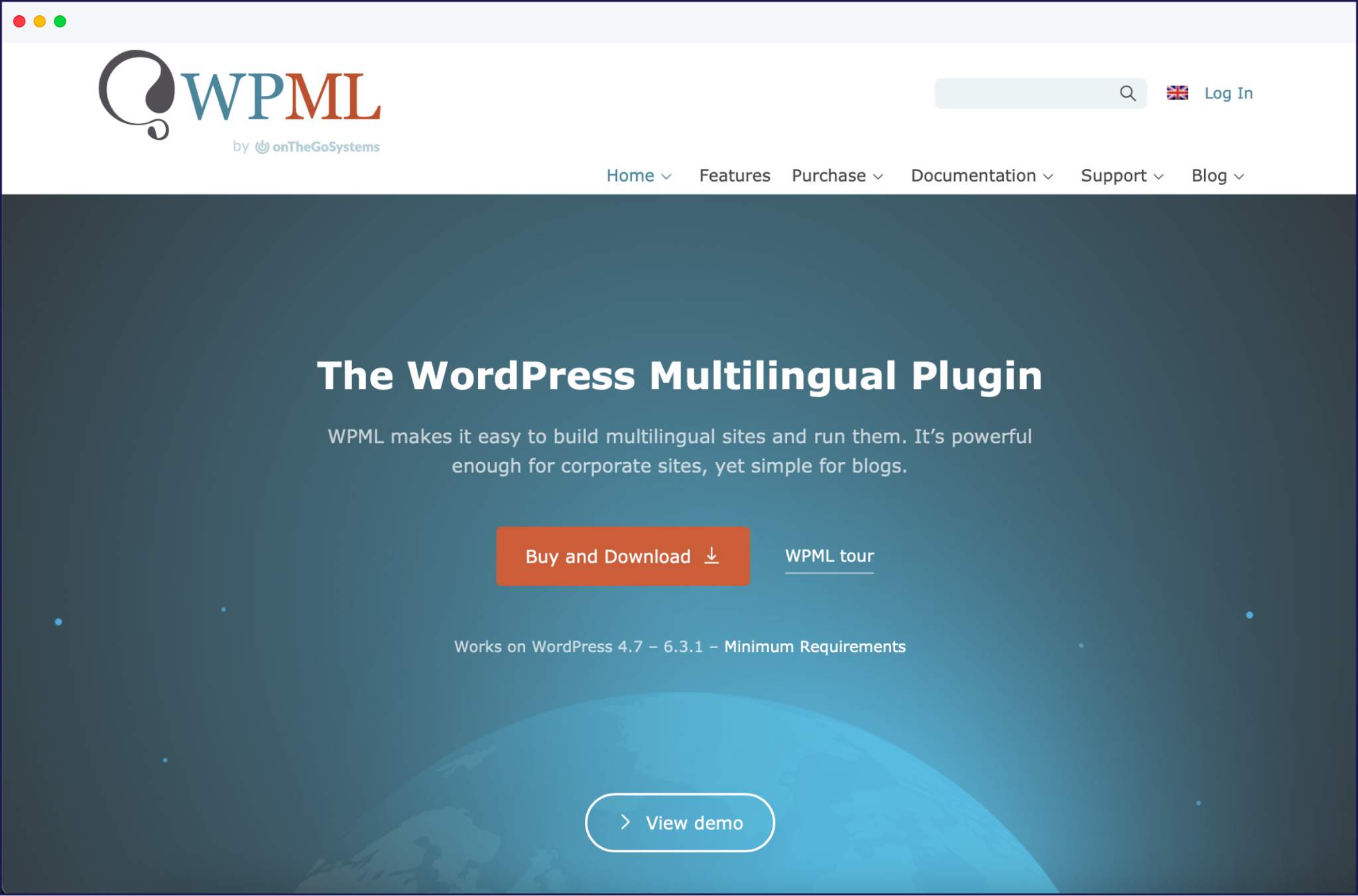
This approach gives you strong data ownership but more work configuring post types, taxonomies, and menus. There’s generally a much longer setup time needed when using a database over a cloud plugin, and they may require more manual intervention when managing your translations.
{quote-image-banner}}
There isn’t a single ‘best’ multilingual platform type. When making your decision, start with five variables:
If you’re on WordPress and have developer support, a specialized translation solution in the form of a multilingual plugin gives strong data ownership and fits in with your custom templates. But if you’re running a straightforward Wix or Squarespace site with a small team, native multilingual tools usually cover a simple bilingual or tri‑lingual setup (although they’re usually built for micro-sites only).
Those with a need for speed, fast global growth, and overall translation management generally benefit most from cloud-based tools like Weglot. Integrations with both your CMS and ecommerce platforms like WooCommerce are simple, automations offer a largely hands-free approach, and all technical SEO is taken care of. No matter where you’re launching in the world, local search engines and potential customers will be able to find your site.
{{ai-translation}}
Free multilingual options can work, but they’ll usually cost time instead of money. You can of course use the likes of Google Translate to copy and paste your content piece-by-piece, but this isn’t a good option for scale or multilingual SEO, as you’ll have to create your own URL structure and add hreflang tags for international indexing.
A better bet is to try a free tier or demo of an established plugin option. Here are a few popular options to try for starters:
As we’ve touched upon, international SEO is a priority feature when comparing multilingual website platforms. If search engines can’t see and understand your language versions, your work goes to waste.
Next up, we’ll detail the most vital areas of SEO to keep in mind. A platform that can handle all of these areas automatically will save you vast amounts of time and reduce the chances of errors occurring.
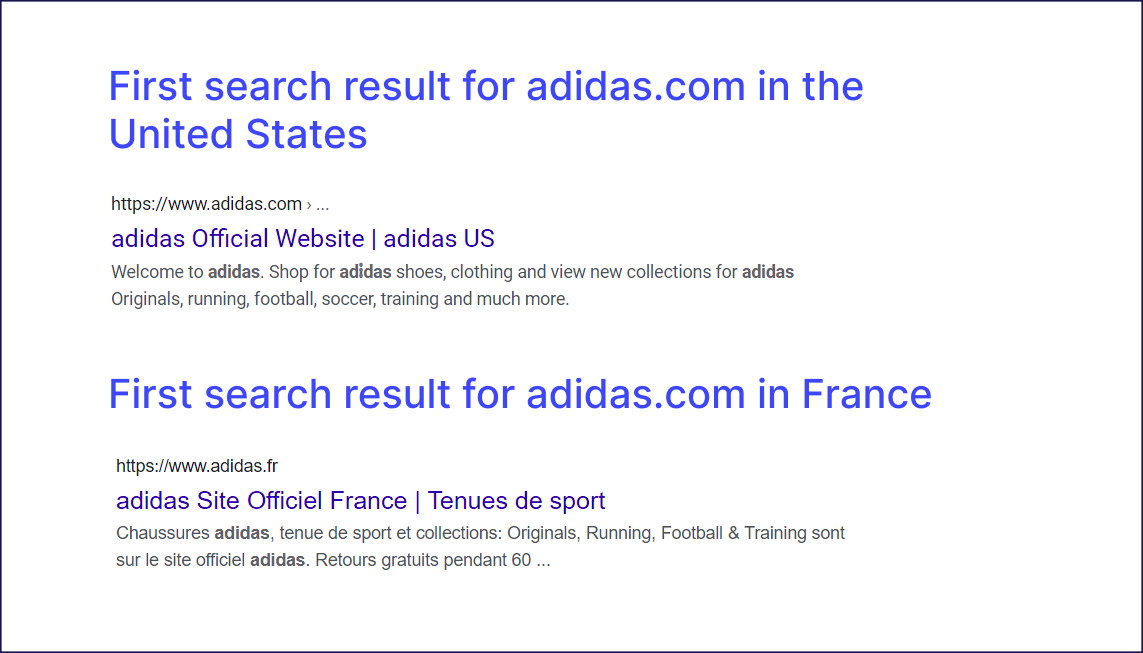
Hreflang tags (see above example) tell search engines which language or region a page targets, and which alternatives exist. Without them, your French visitors may see English URLs, or your localized pages may look like duplicate content instead of the ‘right’ result.
Your URL structure has to match that logic. Subdirectories like /fr/ or /es/ keep authority on one domain and are usually easiest to manage. Subdomains work too but behave more like separate properties, which means extra tracking and SEO housekeeping. In both cases, every variant needs its own URL, hreflang entry, and place in your sitemap.
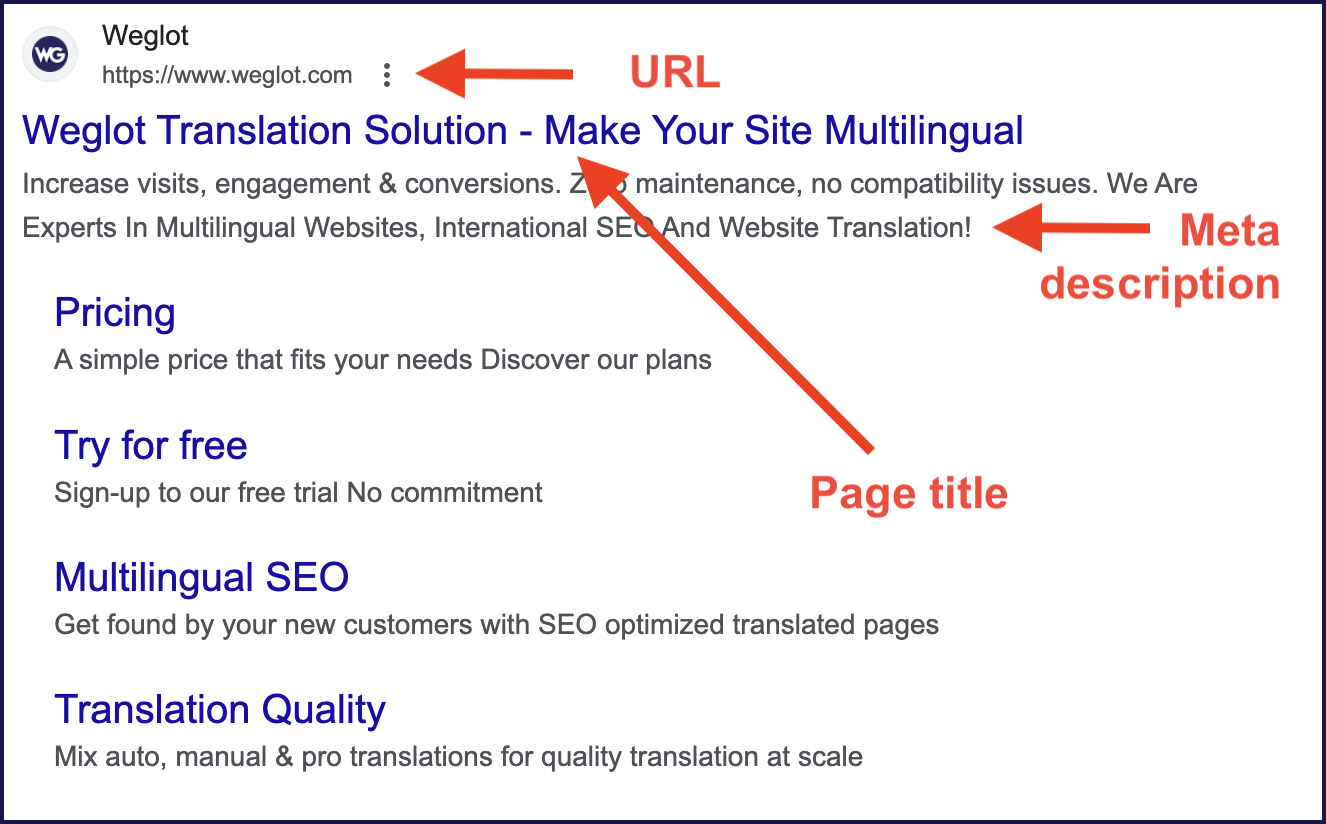
On-page, treat each language like its own SEO project. Research keywords per language, localize titles and meta descriptions, and create language-specific sitemaps. Plan for text expansion in your layouts and ensure your designs can handle Right‑to‑Left (RTL) scripts if relevant to your chosen market.
“With an AI translation tool like Weglot, subdirectories, hreflang tags, and multilingual sitemaps are generated and updated for you, instead of maintaining them by hand in your theme or templates. Every new page uploaded in your native language is automatically translated, with all the necessary SEO done for you.”
– Elizabeth Pokorny, Head of Brand and Content at Weglot
A scalable translation workflow employs both AI and human expertise. AI translation gives you instant coverage across your site, which is perfect for support content, long-tail blog posts, or UX copy that changes often. This is much more sustainable than paying a human translator to translate a whole site on a per-word pricing model.
Some brands may prefer adding a human translator for content refinement or activating Weglot’s AI Language Model that learns from brand guidelines, custom rules, and your glossary.
A hybrid approach – using AI and humans – keeps quality where it matters most, without destroying your go-live deadlines. Let AI handle the majority, then bring in professional translators if needed. For example, legal content, brand messaging, and high-converters like pricing, checkout, and core landing pages often need local expertise to refine word choices so their message connects with your intended audience.
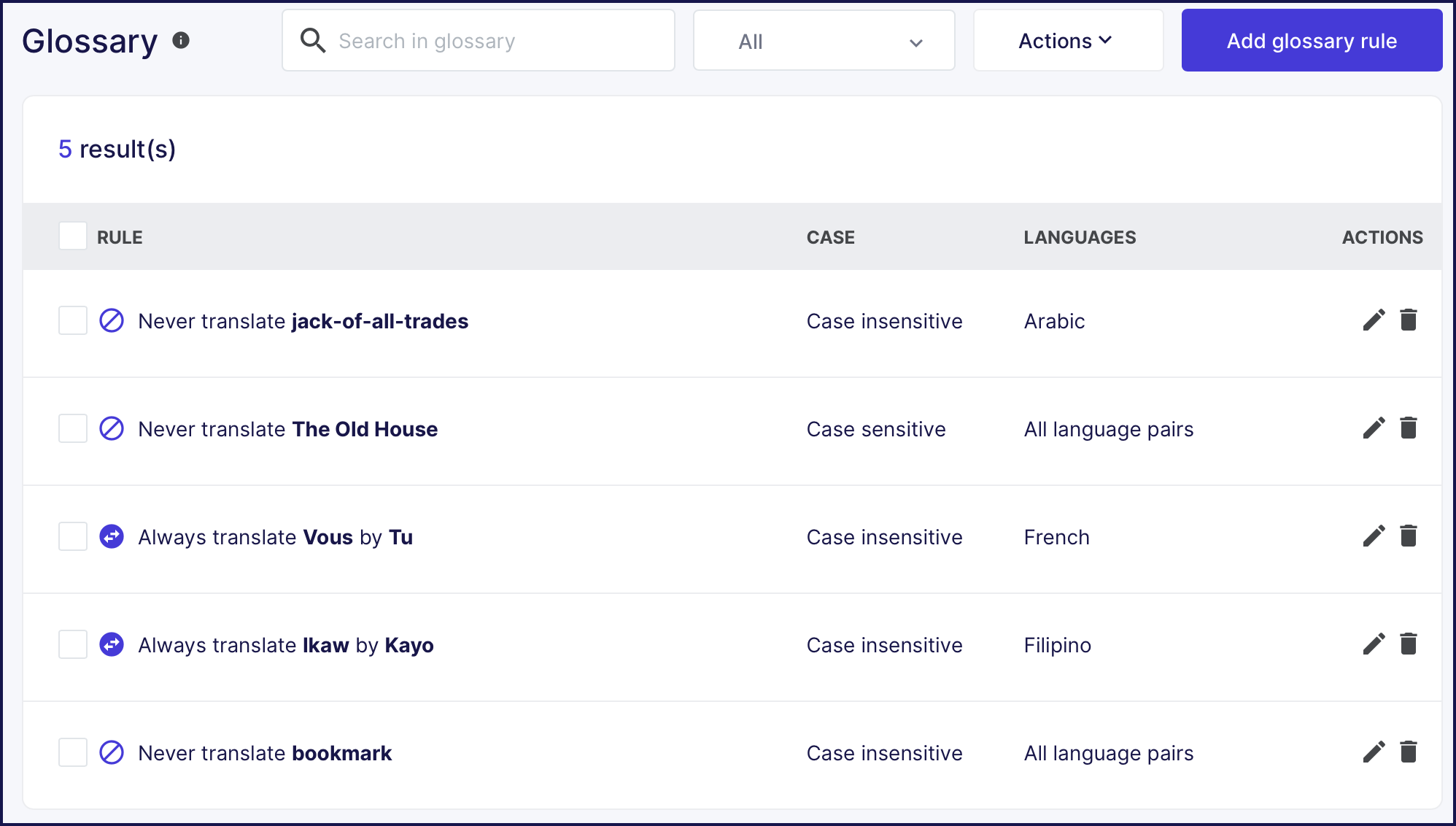
Added to this, solutions like Weglot include a glossary and translation memory, so future automations ‘learn’ from your previously published content. Our AI Language Model uses OpenAI for a more human output, and a Visual Editor allows you to see translations in frontend context – ensuring different languages still fit your existing layouts.
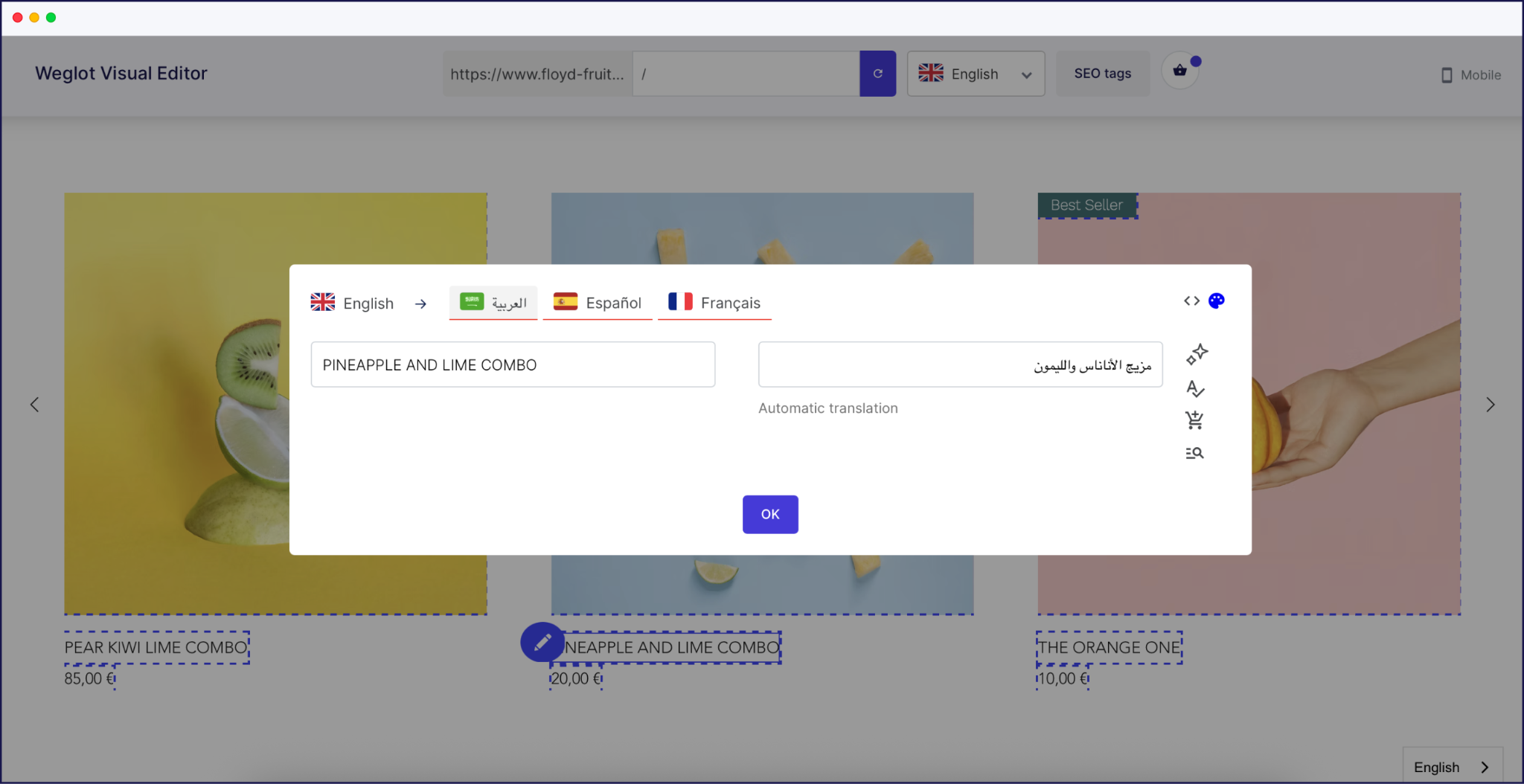
This hybrid workflow allows you to scale to new languages without reviewing every sentence, while your highest-impact pages always get the human attention when you want it.
Some mistakes can impact the success of your launch, even when the translations look fine and your site looks ready.
One of the biggest faux pas is forcing auto‑redirects based on geolocation, instead of letting visitors choose their language. Offering users a language switcher that’s clearly visible on all pages resolves this problem easily.
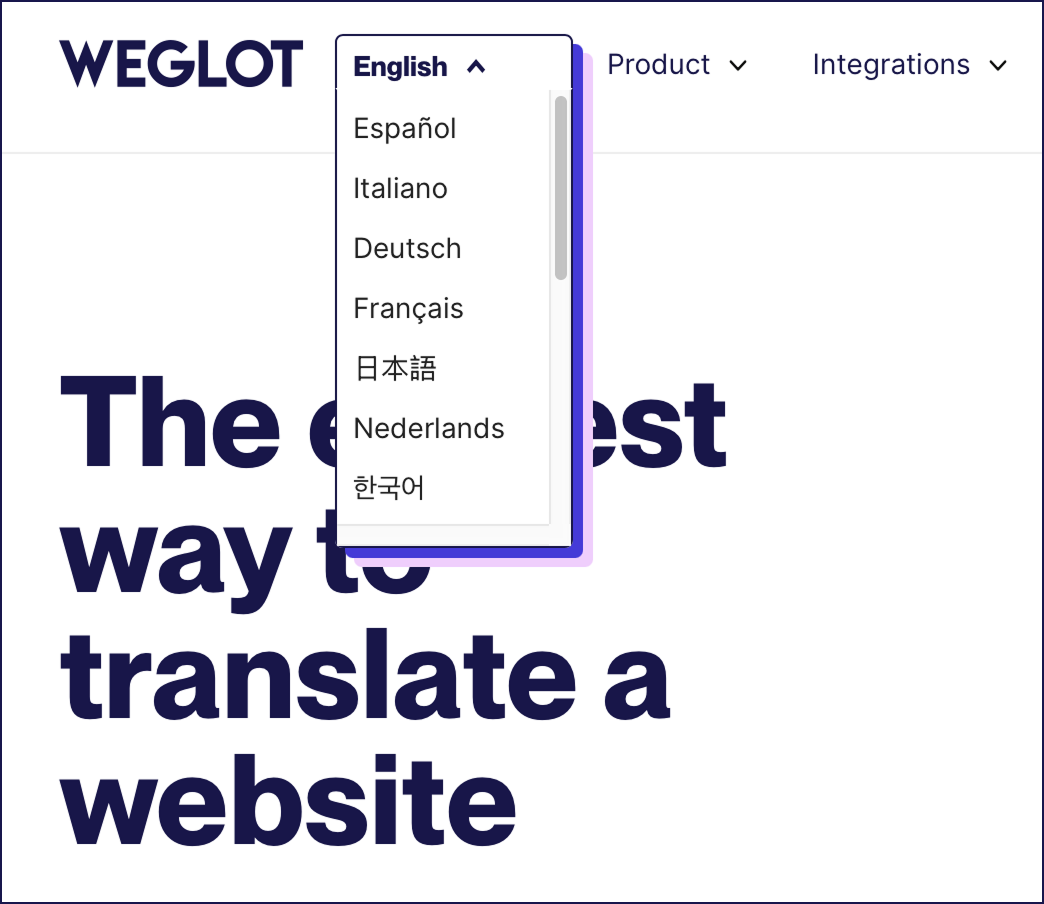
Weglot automatically adds a language switcher to the bottom right of your site, but you can then make changes through the Language Switcher Visual Editor, or add custom CSS for something more in line with your branding. Take a look at Weglot’s own version below:
Design and content choices cause problems too. Ignoring text expansion breaks layouts when German or Arabic strings are longer than your English UI. Skipping metadata translation means your localized pages never compete in search, even if the on-page copy is great. And letting default AI translation handle legal pages, brand messaging, or critical CTAs all on its own is also risky, because such pages have little or no room for error.
“Many potential problems can be eradicated by testing, testing, and testing again. Imagine you’re a global user, and spend time ensuring all navigation works as it should. Check all of your checkout and subscription forms work with international addresses, names, and phone formats. Once your international pages are live, look at your analytics through GA4 and Search Console and refine your content as necessary.”
– Eugène Ernoult, CMO at Weglot
The best approach to having a multilingual website is to find the solution that suits you best. Look beyond your current setup and consider platforms with your long term goals in mind. Get your platform choice right at the start, and you’ll save yourself trouble later on.
Of all the options we’ve covered, a specialized translation solution offers the most flexibility, and Weglot gives you the fastest route to the multilingual finish line. Our website translation tool connects to your existing site, detects content automatically, and uses AI translation to get every page live in minutes. You keep full control with human edits and glossaries, and as your brand grows, Weglot scales with you.
If you’re ready to launch your multilingual site, start your 14‑day free Weglot trial today.
Translation swaps words from one language to another, while localization adapts everything around those words – tone, references, formatting, and UX. That can mean changing specific parts of content, imagery, and CTAs so they feel native in each market, not copied from your original site.
By way of example, recipe weights would need converting from grams on European sites to cups or ounces in the US. And car images would need to show driving seats in line with local laws i.e. right or left side. Research everything from color meaning in different cultures to the kind of marketing images that connect with local people. Get this wrong and you can alienate the very people you’re trying to attract.
For a deeper dive, check out Weglot’s step-by-step guide to website localization.
Pick your approach first – CMS plugin, website builder features, or specialized translation tool. Set a clear URL structure with subdirectories or subdomains for every language and configure hreflang tags. Then define your translation workflow, localize metadata, and add a visible language switcher in your header and mobile navigation. Before launch, test navigation, forms, and key funnels in every language, including emails and system messages.
For a deeper dive, check out Weglot's step-by-step guide to create a multilingual website.
Put your language switcher in the header where users expect it, and mirror that placement on mobile with accessible control. Use clear labels like language names instead of flags alone, and always show the current language state. Avoid simply offering auto-redirection by geolocation – offering visitors more choice can help your brand build trust.
Using a free tool like Google Translate might seem like the fastest option, but it’s not ideal for professional websites. It can’t guarantee consistent terminology, brand tone, or SEO optimization, and it often requires manual setup or copying and pasting text.
In comparison, hiring a professional can give you accurate results, but come with lengthy timescales and expenses.
Specialized website translation tools like Weglot offer the best solution by providing high-quality automated translations, with options for human editing. This combo gives you the speed of AI translation with the polish of professional input, ensuring your site feels authentic in every language.

Translate your website instantly with AI, refine with human edits, and go live in minutes.
Trusted by 70,000+ global brands






The best way to understand the power of Weglot is to see it for yourself. Test it for free and without any engagement.
A demo website is available in your dashboard if you’re not ready to connect your website yet.