Try Weglot for free




While TranslatePress offers straightforward translation tools, website owners often find its SEO capabilities lacking, especially when aiming for international search visibility. Given that multilingual websites with properly implemented hreflang tags can seriously reduce bounce rates, SEO is nothing less than a growth tool, so its importance can’t be discounted.
If you’re frustrated by these limitations, you’re not alone. We’ve researched the market and compared eight powerful alternatives to TranslatePress, so you can choose the tool that best meets your needs with confidence.
Here's a table to help you review the tools at a glance:
| Tool | Platform | Translation approach | SEO features | Starting price | Best for | Key difference from TranslatePress |
|---|---|---|---|---|---|---|
| Weglot | Any CMS | AI Translation Model shaped by your Brand Voice and Translation Guidelines + in-context editing | Language-specific URLs, hreflang, translated metadata, automatic on all paid plans | $17/month | Teams wanting publish-ready AI translations in their own brand voice, plus full SEO out of the box | Works on any CMS (not WordPress-only); cloud-based so no database load; full SEO features available from entry tier; one consistent brand experience across every language and market |
| WPML | WordPress | Manual + third-party translation services | Language URLs, hreflang, XML sitemap | $45/year | Developers needing granular control | More granular developer control; supports 65 languages vs. TranslatePress's narrower scope; automated translations require a higher-tier plan ($115/year) |
| Phrase | Cloud / API | Translation memory, LLM-assisted, collaborative workflows | Via CMS integrations — technical setup required | $27/month (freelancer) $135/month (org) |
Enterprise localization teams | Platform-agnostic and built for multi-platform projects at scale; SEO implementation is more complex and requires developer input, unlike TranslatePress's plugin-native approach |
| Polylang | WordPress | Manual by default; DeepL add-on available for Pro | Language URLs, hreflang, Yoast SEO integration | $115/year | Publishers treating each language as distinct content | Stores translations as separate posts rather than in a shared database entry; better for distinct per-market content rather than direct translation copies |
| Lokalise | Cloud / API | Collaborative editor + machine translation + AI drafts | Via CMS integrations. Developer resources needed | $120/month | Cross-functional teams (devs, marketers, translators) | Built for continuous localization of dynamic content across teams; not a WordPress plugin. Requires API/webhook setup where TranslatePress is drop-in |
| Crowdin | Cloud / API | Crowdsourced + machine translation + AI pre-translation | Via integrations — technical setup required | $50/month | Community-driven or open-source projects | Supports crowdsourced community translation, a model TranslatePress doesn't offer; integrates with GitHub for continuous localization of software and websites |
| Smartling | Cloud / API | AI drafts + professional translator marketplace + QA workflows | Via proxy technology or CMS integrations | Custom (contact for quote) | Large enterprises with high-volume dynamic content | Enterprise-grade with translation analytics and ROI reporting; uses proxy technology for SEO rather than plugin-native hreflang. More powerful but heavier to implement |
| MultilingualPress | WordPress Multisite | AutoTranslate via DeepL, Amazon Translate, OpenAI | Subdomain creation, hreflang | $149/year | Sites needing true language separation | Creates a distinct site per language (WordPress multisite) rather than storing all translations in one database; true independence vs. TranslatePress's single-site model |
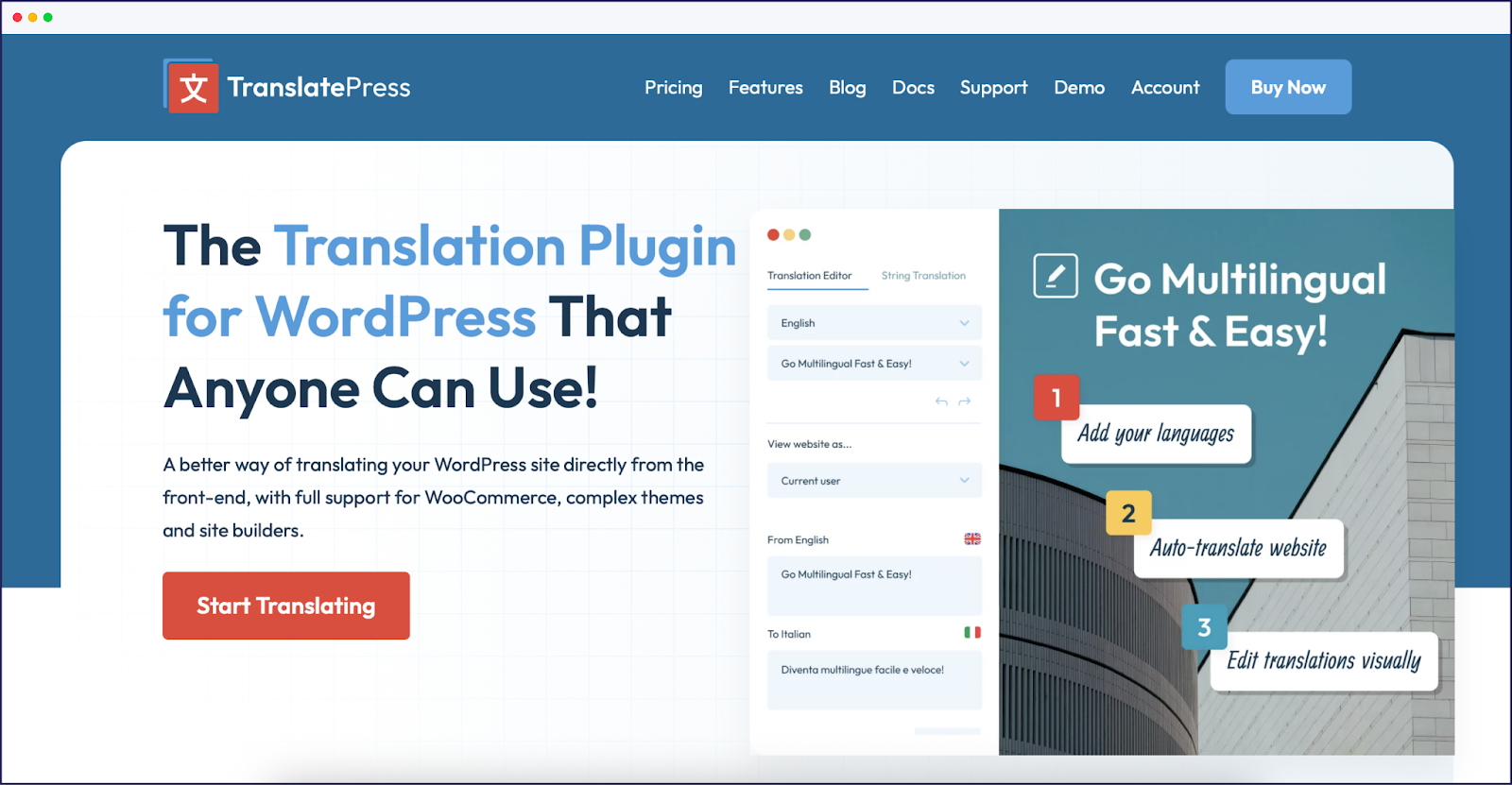
TranslatePress is a translation plugin for WordPress. Its visual frontend translation editor provides context-rich translations, allowing users to see changes in real time.
This WordPress-native plugin stores translations in your site’s database, simplifying the management process. It integrates with popular page builders like Elementor and Divi, so site design workflows remain unaffected. Automatic translations via Google Translate and DeepL offer a quick way to generate initial content translations.
Limitation-wise, TranslatePress is a WordPress-only solution, so it doesn’t work with other platforms, limiting flexibility. For larger sites, performance can become an issue due to its database storage approach, which can slow down load times. The manual translation workflow also becomes cumbersome for sites with extensive content.
The free version of TranslatePress allows localized URLs, but has no other SEO features. To translate metadata, configure hreflang tags, set up a multilingual sitemap and more, you’ll need a pro version. And compared to other alternatives, TranslatePress has fewer third-party integrations, which can restrict functionality.
Personal plans for one site start at $10/month.
In this comparison, we’ve tested eight powerful translation plugins that vary in features, pricing, and technical implementations. Each alternative has also been assessed based on its ability to handle multilingual SEO – a must-have element for businesses looking to expand internationally.
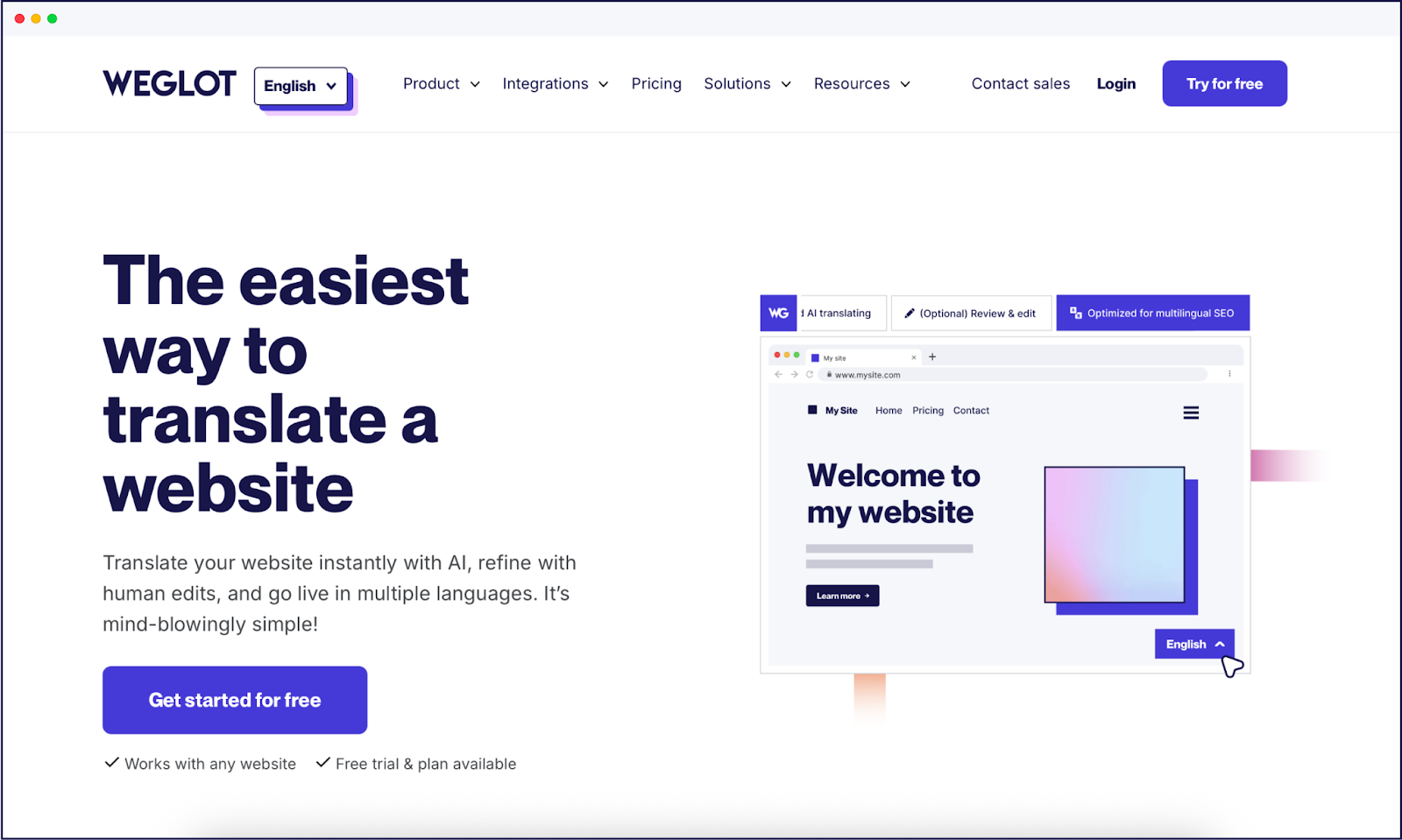
On WordPress, Weglot is an AI-powered website translation plugin, and it also works with any other website platform. Weglot 2.0 for WordPress builds on the Weglot you know: AI translations that sound like your brand from the very start, a redesigned dashboard and Visual Editor, and multilingual visibility built into every page.
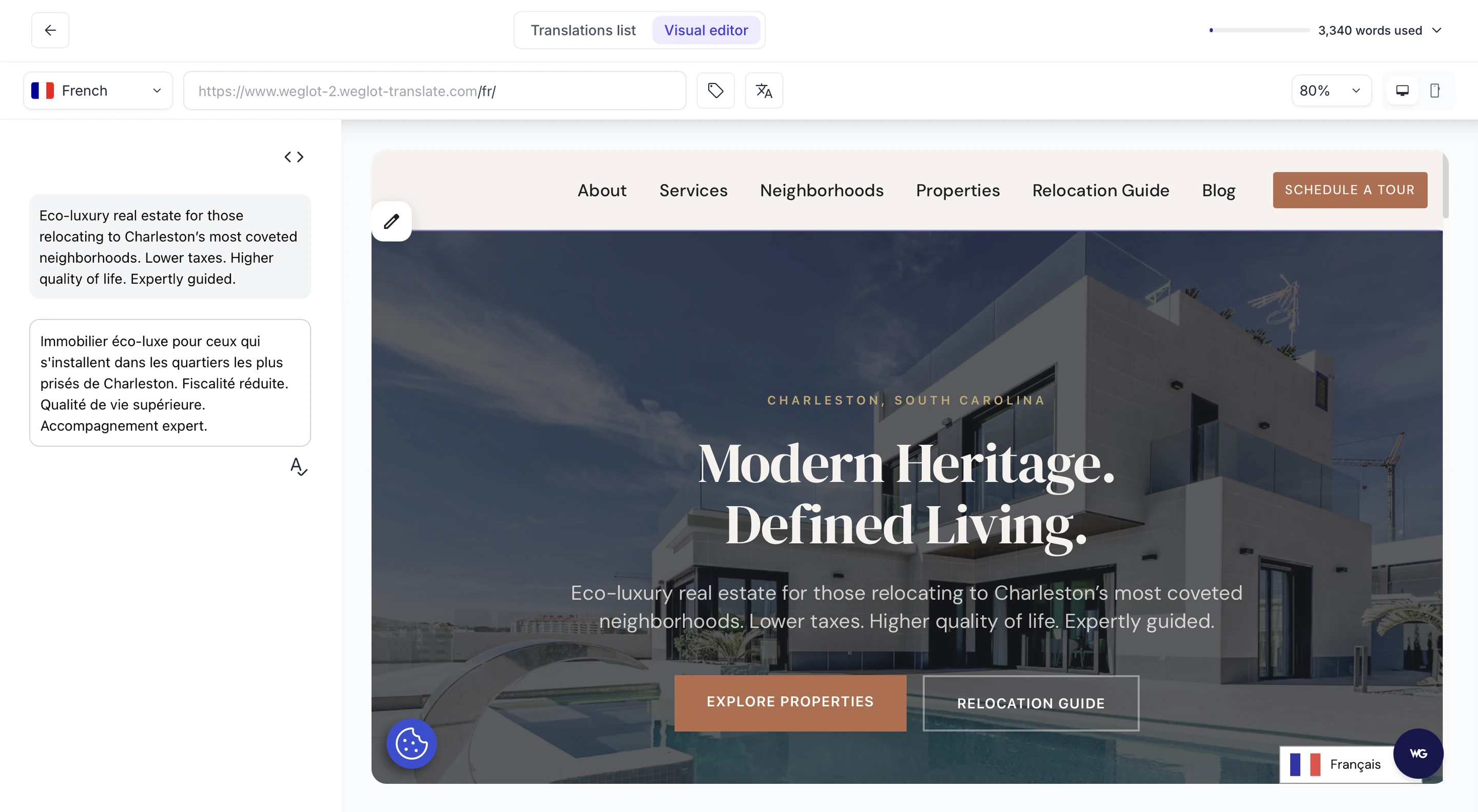
AI handles the scale and your team keeps the final say on nuance, for a high-quality final result.
Weglot is easy to set up, supports 110+ languages, and works across any CMS. On WordPress, Weglot 2.0 delivers translations you can publish without a rewrite, lets your team adjust any line in context, and keeps your brand recognizably yours in every language. It handles all essential SEO criteria for you as well. On the downside, Weglot’s paid plans are subscription-based, though there’s a free plan for small sites and a 14-day free trial.
{{quote-cta-banner}}
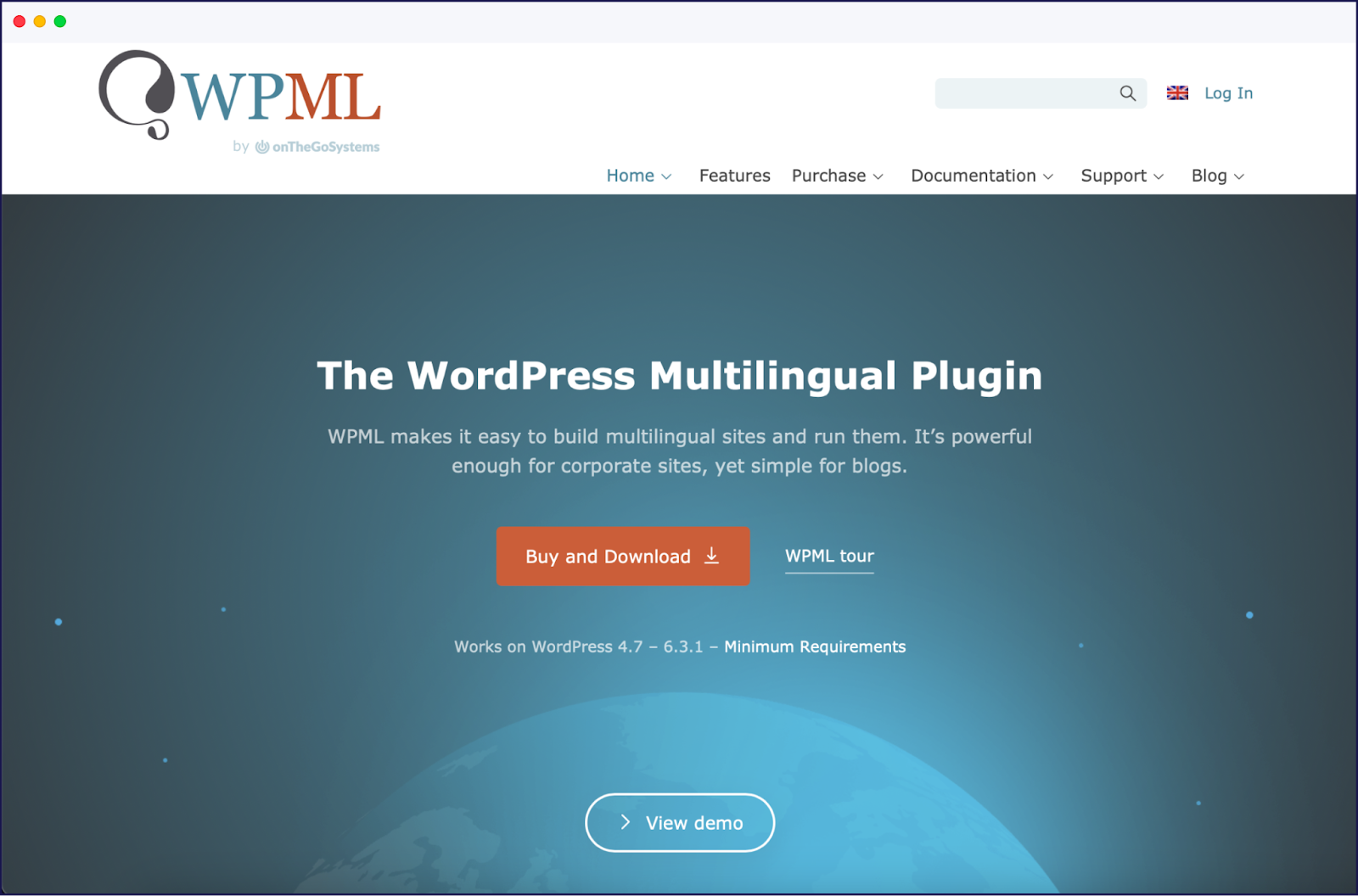
WPML is one of the most well-known WordPress translation plugins, trusted by many businesses to manage multilingual websites.
WPML offers granular control, making it a good choice for developers, though it may require more technical expertise than user-friendly solutions. The plugin supports 65+ languages, with strong compatibility for themes and WooCommerce. It allows mixing manual and automatic translation, but can slow down some sites. Support is mainly forum-based. See our post on TranslatePress vs WPML for an in-depth comparison between the two plugins!
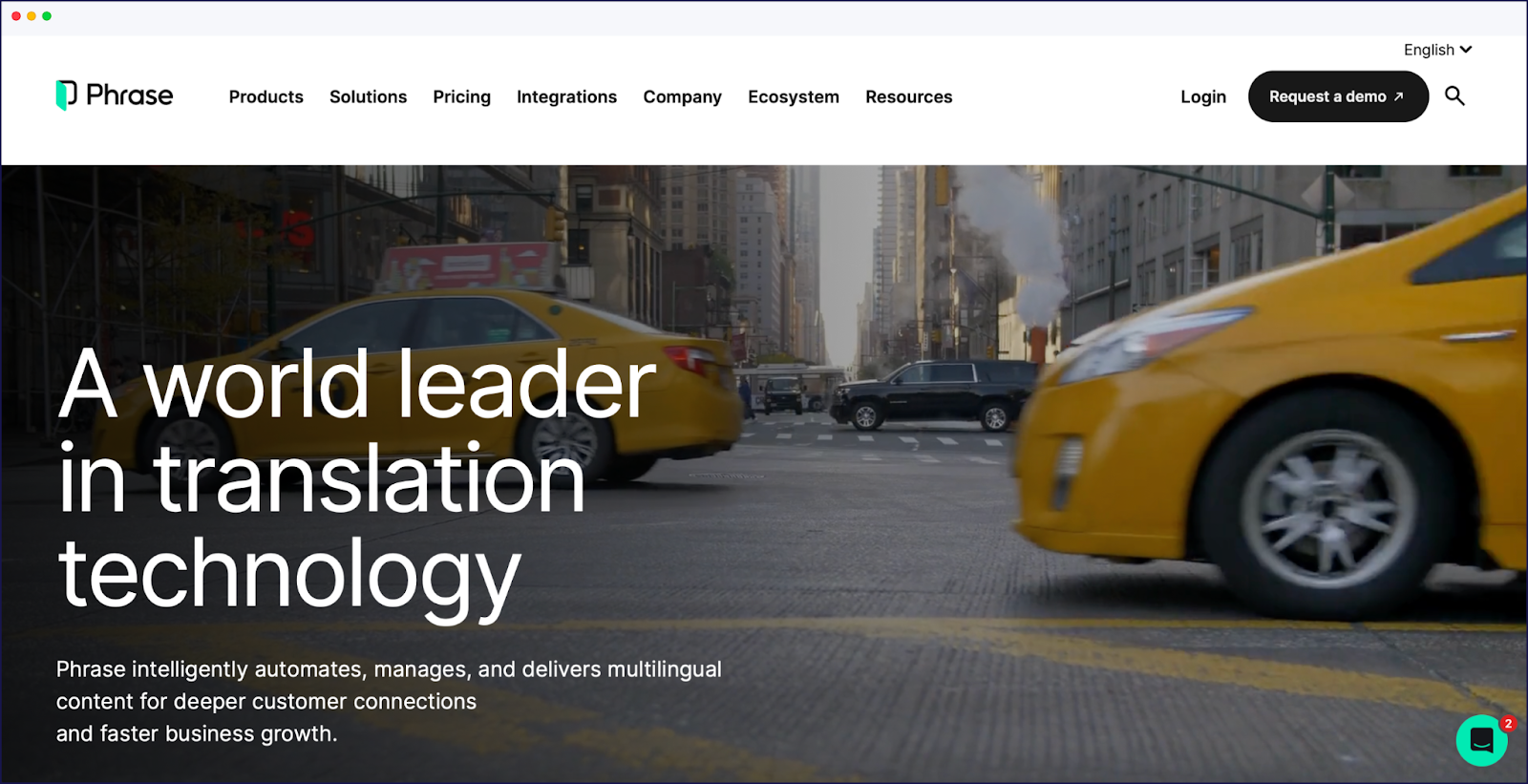
Phrase is an enterprise-level translation management system for complex translation needs. The platform was previously known as Memsource.
Phrase is designed for enterprise-scale localization, offering advanced collaboration, workflow automation, and integration with developer tools. It excels in scalability and context-aware translation but may be too complex or costly for small teams. Its features require a learning curve and technical setup.
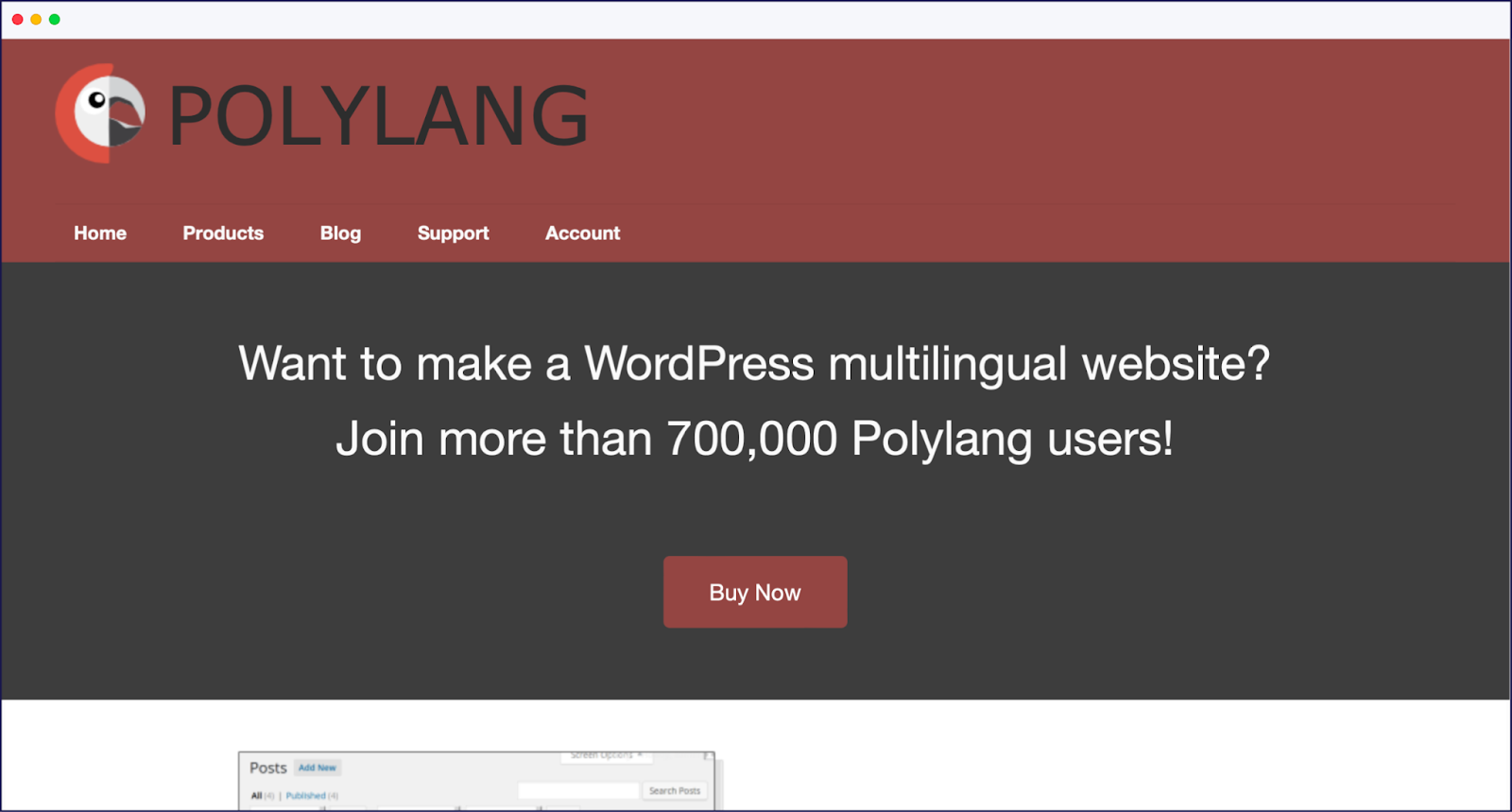
Polylang is a translation plugin for WordPress with free and premium options.
Polylang is ideal for publishers who want to customize messaging for each market, treating each language version as distinct content rather than direct translations. However, it has a learning curve for beginners, and can increase resource usage on large sites. Integrations with AI language tools are available, with a specific DeepL machine translation extension available for Pro users. Users should note that this integration is still in development, and won’t work with some page builders, like Elementor.

Lokalise is a collaborative localization platform designed for teams working on dynamic content and large translation projects.
Lokalise is best for organizations where multiple stakeholders – developers, translators, marketers – need to collaborate on translations, ensuring a streamlined localization process across teams. Its intuitive UI, strong QA tools, and workflow automation are ideal for complex projects. The main drawbacks are its cost for small teams.
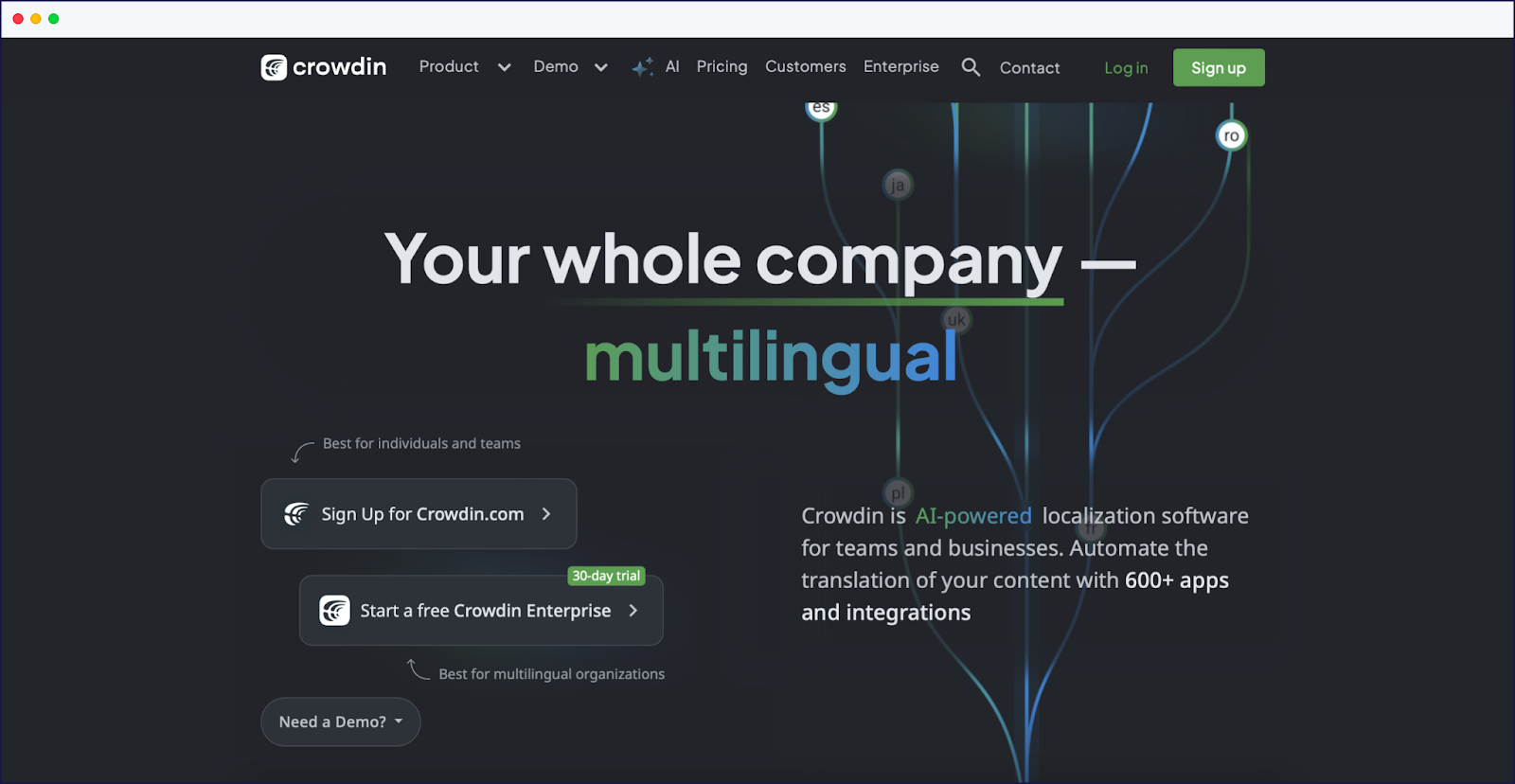
Crowdin is a localization management platform with community-driven translation capabilities.
Crowdin allows businesses to tap into user communities for translations, offering a cost-effective solution that balances quality and affordability through community expertise. It supports translation memory, version control, and hybrid AI/human workflows. Crowdin is affordable and flexible but can require technical setup for optimal integration and SEO. Its interface may be overwhelming for new users.
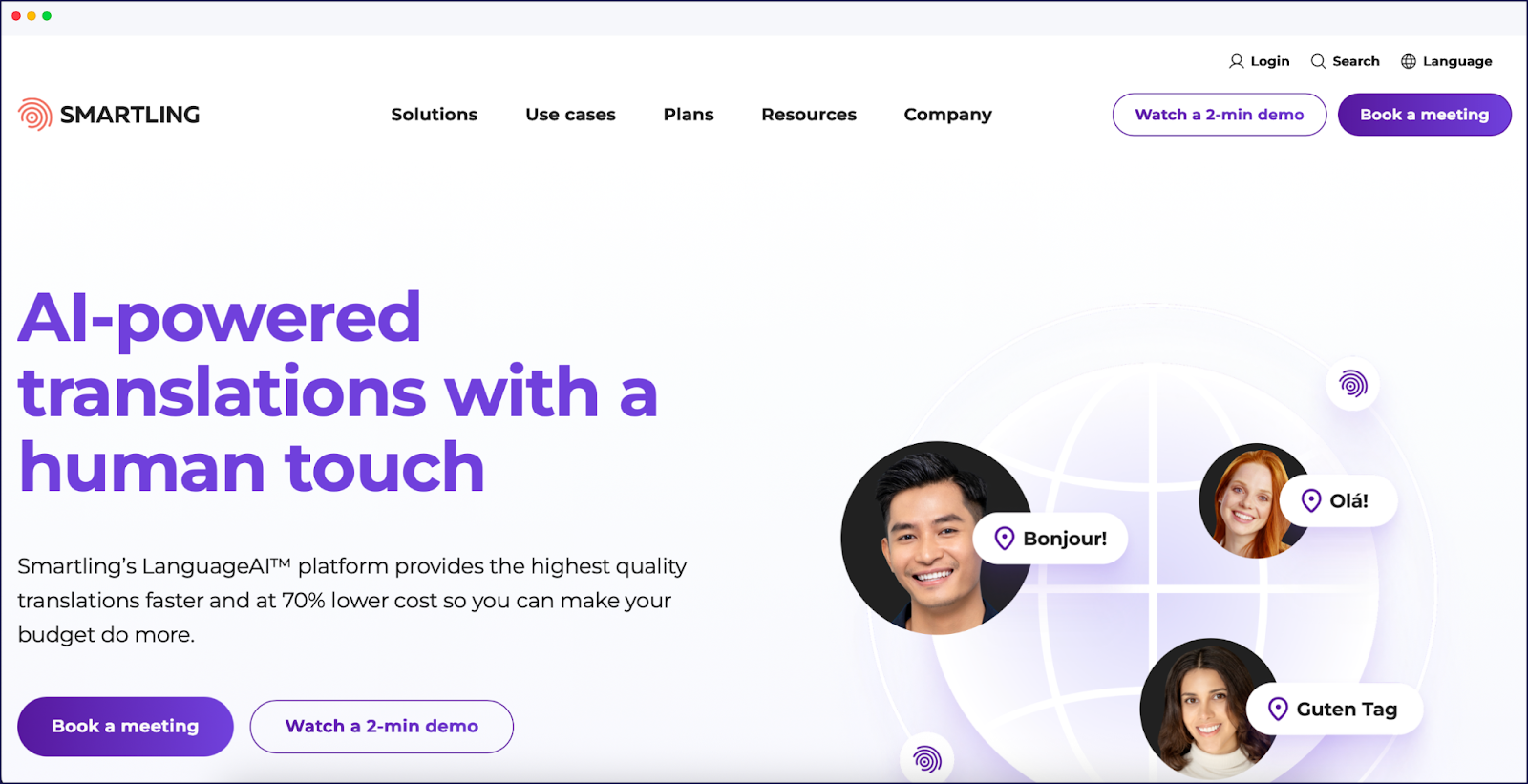
Smartling is an enterprise-grade translation management system for large-scale content translations.
Smartling provides analytics on translation quality, cost, and impact, appealing to marketing leaders who need to demonstrate ROI from their global content investments. The platform targets enterprise clients, offering advanced workflow automation, analytics, and a marketplace for professional translators. Its features are ideal for large, dynamic projects but come at a higher price and require technical resources for full implementation. Smaller teams may find it excessive.

MultilingualPress offers a unique WordPress multisite-based approach to handling translations, making it a great solution for businesses with more complex multilingual needs.
MultilingualPress is one for businesses seeking complete separation between language versions, offering true independence rather than simple translated copies.
Weglot weighs up as the top alternative to TranslatePress. On WordPress, Weglot 2.0 pairs AI translations that already sound like you, shaped by your Brand Voice and Translation Guidelines, with in-context review and built-in multilingual SEO. And because Weglot works with any other CMS too, you’re not tied to WordPress if your stack changes.
Setup needs no coding, so you don’t need to be a developer to launch a multilingual site. From one connected workflow, you control how your brand comes across in each language and market, and every language version is ready to be found in search engines and in AI search tools such as ChatGPT, Perplexity, and AI Overviews. New content is detected and translated as soon as you publish it, so your international pages stay up to date.
With a 14-day free trial requiring no credit card, why not try Weglot today and see for yourself.

We’ll get your first languages live. You decide how far you want to go. Try Weglot for free today.
Trusted by 110,000+ global brands








Weglot is tested and trusted by brands worldwide since 2016. Join them today.


The best way to understand the power of Weglot is to see it for yourself. Test it for free and without any engagement.
A demo website is available in your dashboard if you’re not ready to connect your website yet.

.avif)