

Try Weglot for free


Translating a Shopify store may seem straightforward, but the reality is far more complex. Imagine trying to translate a product description embedded in intricate HTML, only to find that the formatting is lost or the dynamic content fails to display correctly. This is where specialized translation apps excel, offering solutions designed to translate even the most technical content.
Shopify translation apps automatically convert store content into multiple languages. The best modern apps use AI technology for improved accuracy, delivering faster, more accurate translations that understand context and brand voice, not just word-for-word substitutions.
In this comparison, we’ll analyze 10 of the best translation apps for Shopify, including newer solutions like Shopify Translate & Adapt, T Lab, and Hextom alongside established players like Weglot and GTranslate. By the close, you’ll be able to make a truly educated choice as to the best solution for your own store.
Until a few years ago, translating a Shopify store meant either paying for expensive human translation or accepting clunky machine output that needed heavy editing. AI has changed that equation.
Today's AI-powered translation tools can translate an entire store in minutes, handle dynamic content like checkout pages and third-party apps, and learn your brand's terminology over time. Some apps now offer custom AI models that adapt to your glossary, past edits, and style preferences, producing on-brand translations from the first output.
Thanks to that, you benefit from faster time-to-market, lower costs, and translation quality that often rivals human work for standard ecommerce content.Until a few years ago, translating a Shopify store meant either paying for expensive human translation or accepting clunky machine output that needed heavy editing. AI has changed the equation completely.
Today’s AI-powered translation tools can translate an entire store in minutes, handle dynamic content like checkout pages and third-party apps, and learn your brand’s terminology over time. Some apps now offer custom AI models that adapt to your glossary, past edits, and style preferences, producing on-brand translations from the first output.
Because of this, you can benefit from a faster time-to-market, lower costs, and translation quality that often rivals human work for standard ecommerce content.

Translation directly impacts conversion rates and revenue. According to CSA Research, 76% of consumers prefer buying in their native language, and 40% will never buy from websites in other languages. Multilingual stores also benefit from increased organic search visibility – each translated version creates indexable pages that can rank in regional search results. For Shopify merchants, this means reaching audiences who would otherwise shop elsewhere.
Translation apps are essential tools for Shopify store owners looking to expand into global markets. They provide automated solutions for translating content, enabling businesses to reach international customers and potentially boosting engagement and conversion rates.
As we’ve touched upon, dedicated apps save time and costs compared to manual methods, allowing even smaller Shopify stores to use multiple languages and compete internationally. Discover 10 of the leading translation apps for Shopify below, and if you’re looking for additional functionality, check out our guide to the best Shopify AI Tools.
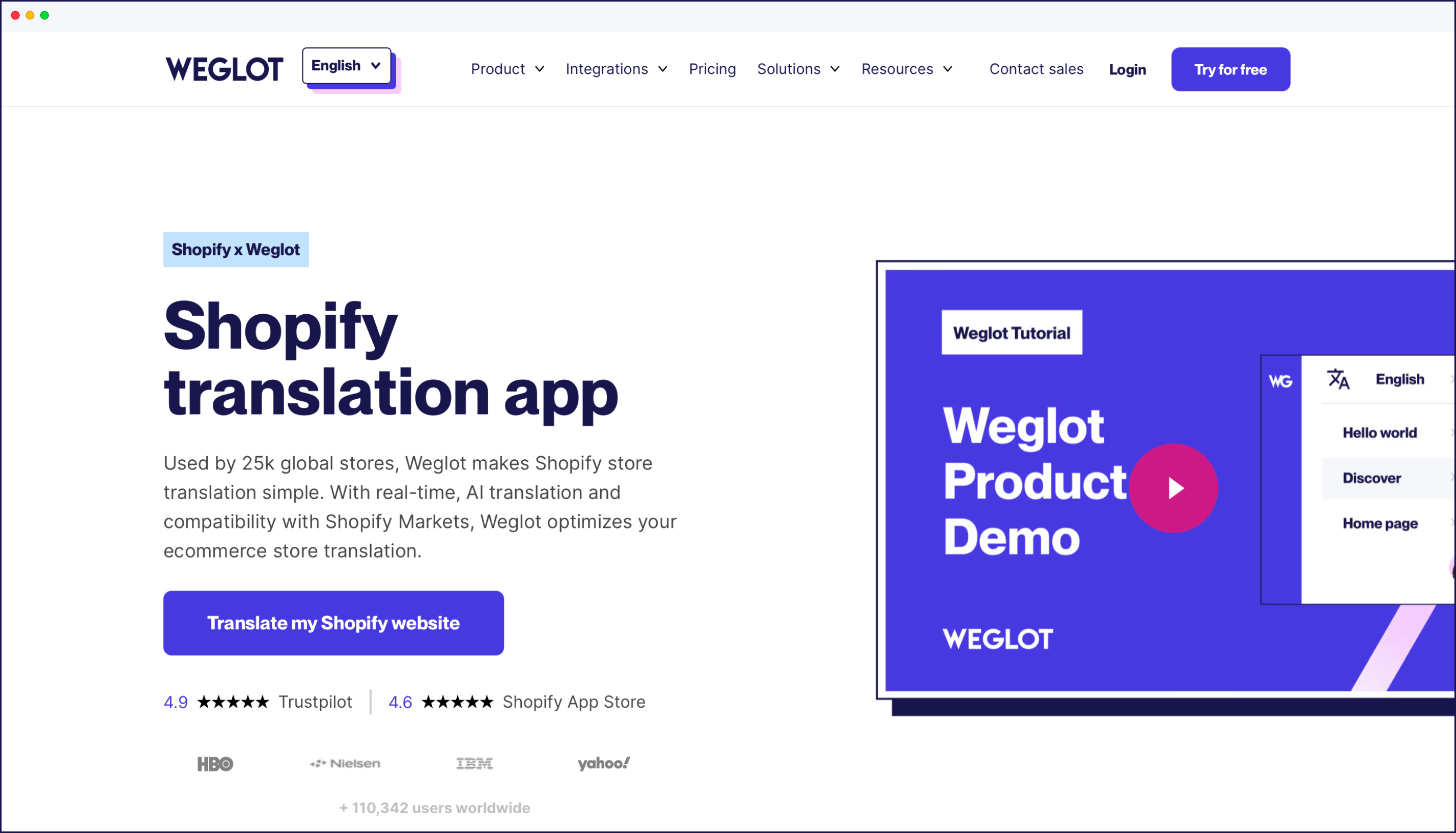
Weglot is a translation tool that converts Shopify stores into 110+ languages.
Key features: Instant translation combined with a Visual Editor for manual refinements, automatic content detection for new products and updates, complete third-party app compatibility, translation memory and glossary for consistency.

AI capabilities: Weglot uses a proprietary solution that combines multiple translation providers including DeepL, Google Translate, and Microsoft Translator to deliver optimal accuracy for each language pair.
Building on this base, Weglot offers a custom AI Language Model powered by generative AI from OpenAI and Gemini. This model is trainable with your brand’s guidelines, previous translation edits, custom glossaries, and specific instructions to ensure the translated content reflects your brand’s tone, terminology, and desired style.
HTML/technical: Weglot excels in translating content within HTML tags, including JavaScript and AJAX. It handles all dynamic content and Right-to-Left (RTL) languages, making it ideal for complex Shopify themes. Weglot’s integration capabilities extend to various third-party apps, ensuring complete site translation – naturally, our translation app is fully-compatible with Shopify Markets.
Speed: Weglot translates content on the server-side, which ensures that translations are displayed quickly. Overall performance remains strong due to its efficient handling of translated content through a Content Delivery Network (CDN), which reduces global loading times for users. With everything happening in the cloud, Weglot has no impact on load speeds.

SEO: Weglot offers both subdirectory (e.g. /fr/) and subdomain (e.g. fr.) options, automatically implements hreflang tags for better search engine indexing, and comes with a fully-customizable language switcher. Our tool also translates meta titles (see below), descriptions, alt text, and any other content strings beyond your main content.

Pricing: Weglot offers a tiered pricing model based on word count and languages. Plans start at $17/month for up to 10,000 words and one language. Business, Pro, and Enterprise plans are available for larger-scale needs, with a 14-day free trial and free plan available.
Trials can be taken on ANY pricing tier, and our FREE tier allows you to translate 2,000 words – with no credit card required.
"After many trials and integrations of different third-party tools, we have come to the conclusion that nothing out there beats Weglot. As an agency, the setup is super smooth. But most of all, our clients love the experience."
– Volkier Bentinck, Co-Founder of Stellar
Best for: Businesses and website owners who want fast, AI-powered, and scalable translation with minimal setup, and high-quality SEO optimization.
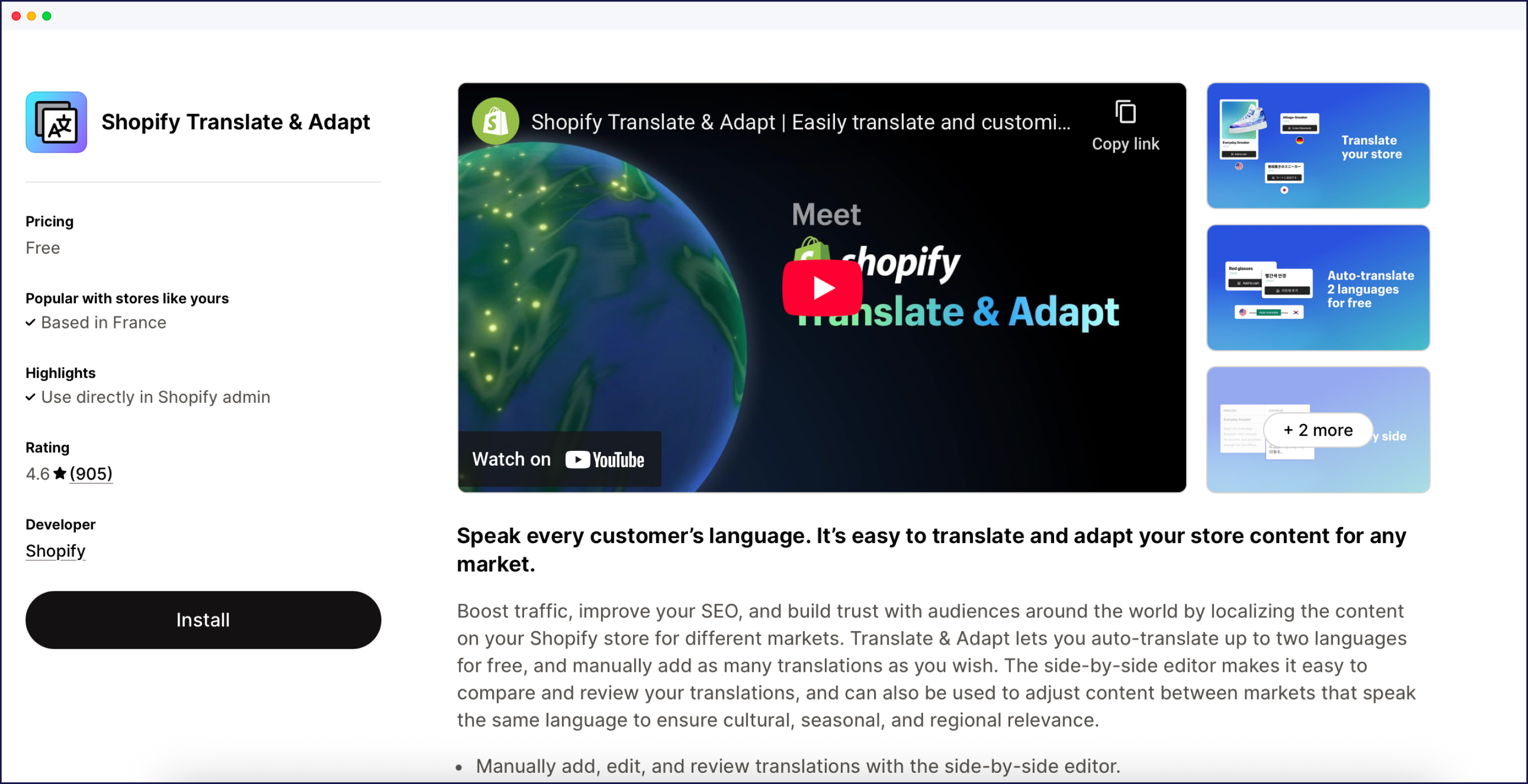
Shopify Translate & Adapt is Shopify’s free native translation app.
Key features: The tool comes with a manual translation interface, Google Translate auto-translation for quick drafts, and side-by-side editing for easy comparison.
AI capabilities: Uses Google Translate’s latest neural machine translation technology for automatic translations, though it’s been primarily designed for manual translation workflows.
Technical: Basic HTML support with limited third-party app compatibility. Works well with native Shopify features but may not capture all dynamic content.
Speed: Lightweight implementation with no performance impact as it’s built directly into Shopify's infrastructure.
SEO: Basic hreflang support through Shopify’s native multilingual features.
Pricing: Free.
Best for: Small stores with basic translation needs and limited budgets.

Langify is a translation app that creates language-specific domains for Shopify stores.
Key features: SEO-friendly architecture, customizable language switchers, manual editing interface.
AI capabilities: Automatic translation via integration with DeepL, Google, or ChatGPT.
Technical: While Langify provides accurate HTML translation, it may require manual adjustments for highly customized themes. It generally manages most dynamic content well but can face challenges with some AJAX-loaded elements.
Speed: Users have reported that it can be slower than other apps due to its more complex setup process. The app’s loading speed is generally good, but manual editing features may require more processing time during translation updates.
SEO: Provides subdomain and subdirectory options and automatically adds hreflang tags. Allows manual editing of translated meta elements. Supports RTL languages, while offering browser-based language detection. Limited integration with Shopify Markets.
Pricing: Subscription-based pricing begins at $17.50/month for up to 20 languages. Higher tiers provide additional features, along with a 7-day free trial.
Best for: Stores prioritizing SEO with manual translation resources.
GTranslate is a translation app, powered by Google’s Neural Machine Translation.
Key features: Analytics dashboard for tracking international performance, multiple display options for language switcher.
AI capabilities: Uses Google’s continuously improving Neural Machine Translation system, which includes deep learning to understand context and produce more natural translations.
Technical: Utilizing Google’s translation API, GTranslate offers solid HTML translation. It performs effectively with standard Shopify themes but may need additional configuration for heavily customized stores.
Speed: GTranslate uses Google Translate for automatic translations and can handle multiple languages effectively. However, depending on how it’s configured (e.g. with subdomains), it may affect loading speeds slightly due to additional requests made to load different language versions of pages.
SEO: Offers subdomain and subdirectory options and implements hreflang tags automatically. Translates meta elements, supports RTL languages, and provides IP-based language switching. Basic integration with Shopify Markets.
Pricing: Provides both free and premium plans, with paid options starting at $9.99 per month. Features increase by tier, accompanied by a 15-day free trial.
Best for: Budget-conscious stores wanting Google’s translation quality.

LangShop is a translation app supporting 241+ languages with extensive third-party integrations.
Key features: Support for over 200 third-party apps, with multiple translation methods available.
AI capabilities: Offers AI-powered translation options alongside traditional machine translation, allowing users to choose between different AI engines for results based on their content type.
Technical: This app provides comprehensive HTML translation, including support for RTL languages. It excels in translating product variants and customer reviews but may struggle with some third-party app content.
Speed: LangShop supports a wide range of languages at 241+ and provides quick translations. However, the initial setup might take longer due to configuration needs. The app has been designed to minimize impact on load times through efficient translation processes, and users generally report satisfactory performance with minimal slowdowns.
SEO: Supports subdirectory and parameter-based URLs, automatically adds hreflang tags, and translates all SEO elements, including JSON-LD. Full support for RTL languages. Offers browser-based and IP-based language detection. Comprehensive integration with Shopify Markets.
Pricing: Offers a free plan alongside paid options starting at $10/month. Pricing scales with features and the number of languages, including a 7-day free trial for paid plans.
Best for: Stores with complex app ecosystems.

Transcy is a translation app that handles text, images, and currency conversion.
Key features: Image and media translation capabilities, real-time currency conversion, geolocation features.
AI capabilities: Automatically translates store content – including product pages, checkout, blogs, and third-party app content – into 148 languages using engine options such as OpenAI, Google, DeepL, Gemini, Baidu, and more.
Technical: Known for excellent HTML translation, Transcy performs particularly well with image alt texts and custom CSS. However, it may struggle with very complex JavaScript implementations.
Speed: While Transcy supports an extensive range of languages at 148, some users have reported slower speeds after installation, with one case showing a drop to a performance score of 28 on Google PageSpeed. The app’s performance can vary based on the complexity of the store and the number of languages used.
SEO: Supports subdirectory and parameter-based URLs. Automatically implements hreflang tags and translates all SEO elements, including structured data. Offers full support for RTL languages and includes IP-based language detection. Compatible with Shopify Markets.
Pricing: Uses a tiered model based on features and translated languages, with plans starting from $29.99 per month. It offers a free plan with limited features and a 7-day trial for paid plans.
Best for: Visual-heavy stores needing comprehensive Shopify localization.
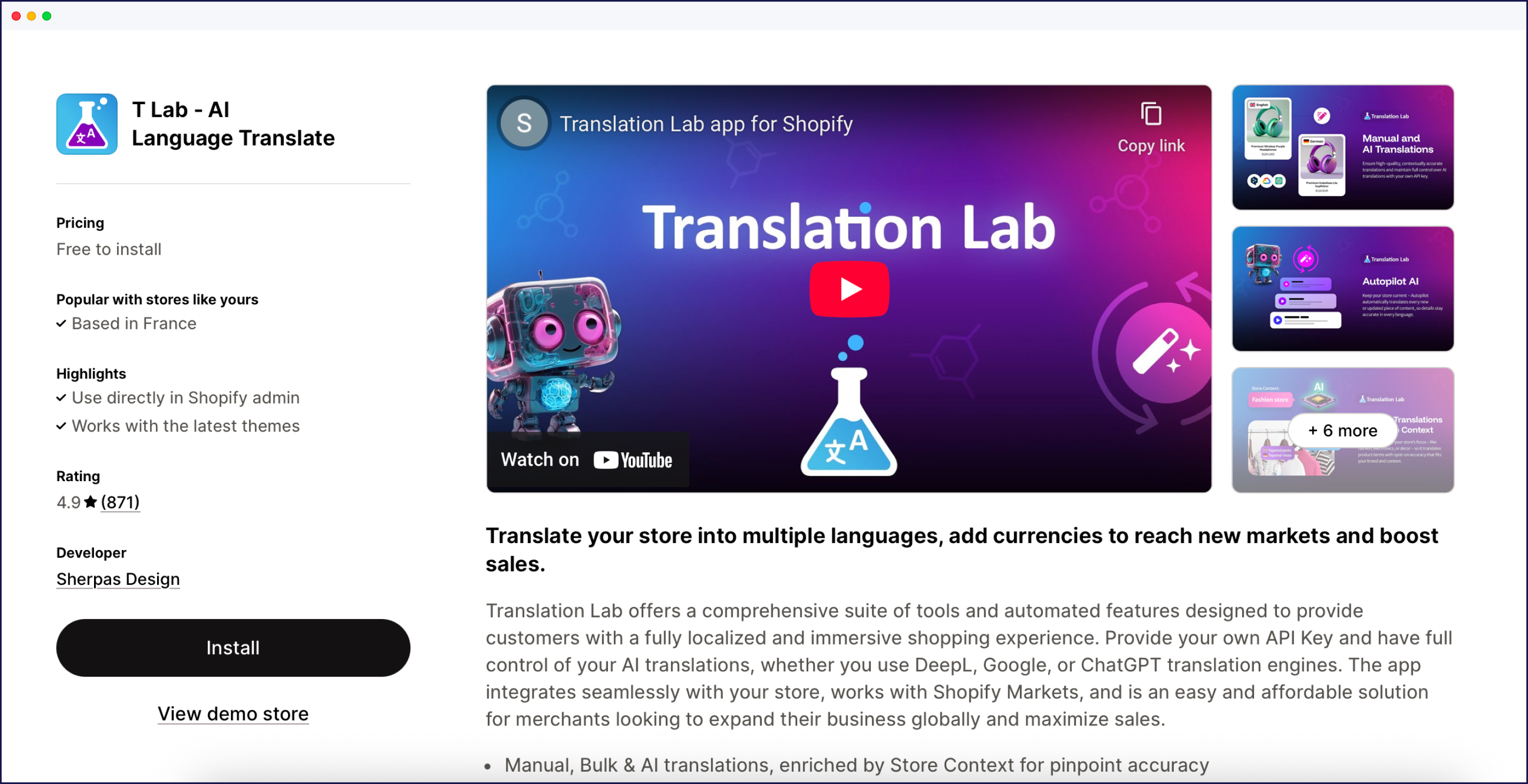
T Lab – AI Language Translate is a comprehensive Shopify localization app that combines AI-powered translation, manual editing, and flexible automation to help stores reach global audiences.
Key features: Supports 130+ languages, including image and third-party app translation, glossary management, and built-in multi-currency support.
AI capabilities: Uses leading engines (Google, DeepL, ChatGPT) for accurate, rapid translations; auto-translates new/updated content; lets users refine machine output for quality.
Technical: Shopify and Shopify Markets integration, direct use within Shopify admin, supports 200+ third-party apps, and handles both static and dynamic store content.
Speed: Fast auto-translation for bulk content; autopilot mode ensures new products are instantly localized.
SEO: Translates meta tags, descriptions, alt text, and URLs for effective multilingual SEO and market visibility.
Pricing: T Lab offers a free plan for 1 language and 500 products; paid plans from $9.99/month for more languages and features.
Best for: Easy, scalable, and affordable store translation, with strong automation and image translation.

Hextom is a translation app offering a free plan with support for over 130 languages and 180 currencies.
Key features: Free plan availability, extensive currency support, simple setup process.
AI capabilities: Uses advanced AI engines including ChatGPT, Claude, and Google AI to provide automatic translation for over 130 languages. Supports bulk and real-time updates for both store and third-party app content.
Technical: Basic HTML translation support suitable for standard Shopify themes. Limited third-party app compatibility in the free tier.
Speed: Lightweight implementation with minimal impact on store performance, particularly in the free tier, although features are limited.
SEO: Basic hreflang implementation. Subdirectory URL structure support (paid plans).
Pricing: Free plan available with limited features. Paid plans start at $9.99/month for up to 10 languages, and 7-day free trials are available.
Best for: Particularly advantageous for businesses seeking automatic AI-powered translation and real-time currency conversion.
Langwill is a budget-friendly translation app offering AI-powered translation with GPT-4 and DeepL integration for Shopify stores.
Key features: Supports 138 languages, AI translation with GPT-4 and DeepL engines, multi-currency support, automatic content detection, glossary management.
AI capabilities: Uses GPT-4 and DeepL for automatic translations, providing quality AI translation at an accessible price point. Offers batch translation for efficient bulk content handling.
Technical: Compatible with standard Shopify themes and handles basic third-party app content. Suitable for stores without heavy customization requirements.
Speed: Lightweight implementation with minimal impact on store performance. Fast translation processing for most content types.
SEO: Basic multilingual SEO support including translated URLs and meta tags. Suitable for stores with straightforward SEO needs.
Pricing: Plans range from $9.99 with a free plan and 3-day free trial.
Best for: Budget-conscious stores needing AI translation quality at the lowest price point.
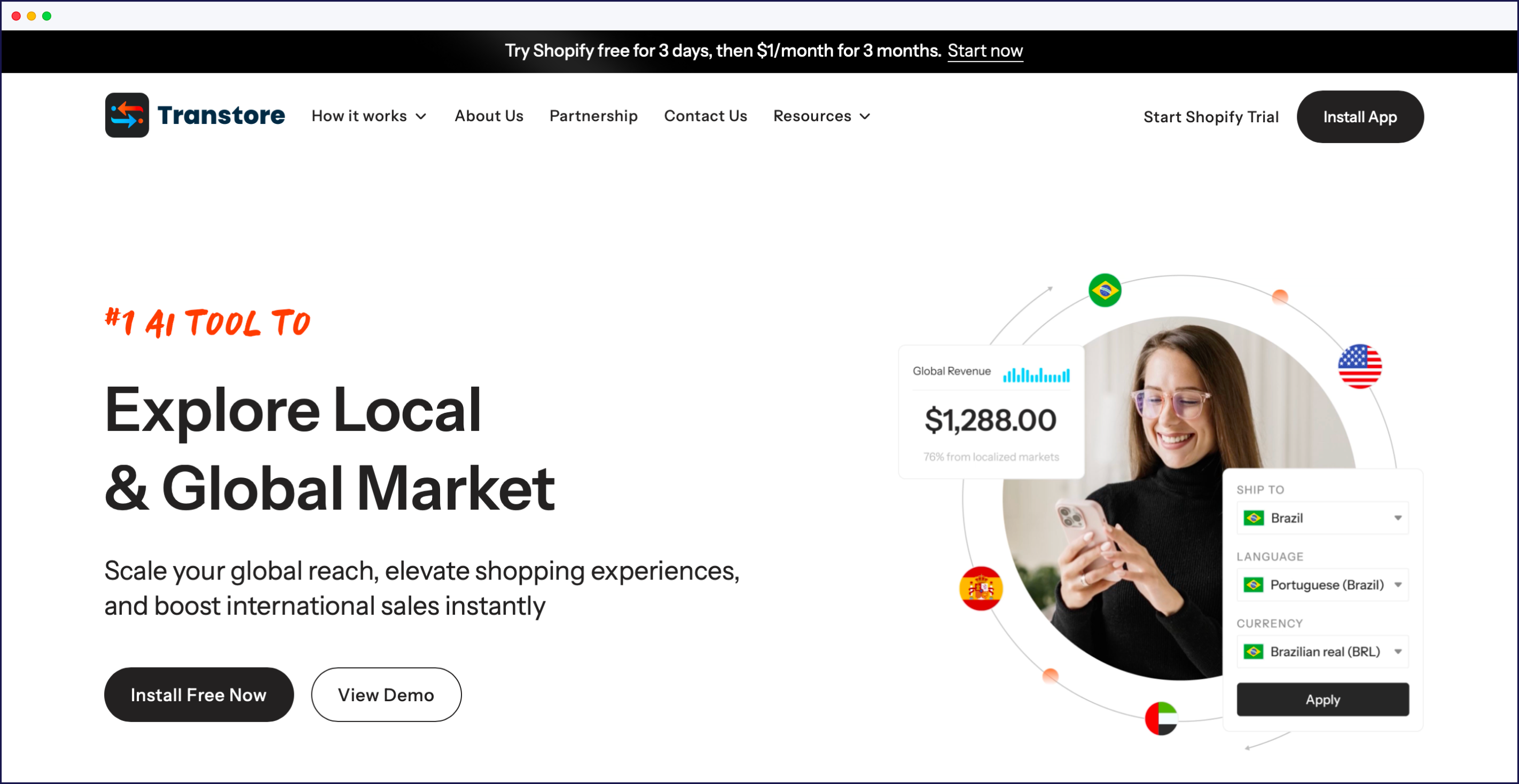
Transtore is an AI translation app with advanced geolocation features for automatic language and currency switching based on visitor location.
Key features: Supports 100+ languages, AI-powered translation, geolocation-based automatic switching, market-specific content, currency conversion, smart redirects.
AI capabilities: Uses AI translation engines to automatically translate store content while maintaining context and accuracy. Provides real-time translation updates.
Technical: Geolocation detection automatically presents content in the visitor’s local language. Supports market-based customization for region-specific experiences.
Speed: Efficient geolocation routing with minimal latency. Performance optimized for international traffic patterns.
SEO: Basic multilingual SEO features including language-specific URLs and regional targeting support.
Pricing: $14.99/month with free plan and 7-day free trials.
Best for: Stores targeting specific geographic markets needing automatic language/currency switching based on visitor location.
Translation apps follow a standardized workflow that takes just a few minutes to complete:
Our 60-second video demonstrates the easy, tech-free installation and setup process:
When evaluating translation apps for your Shopify store, prioritize these seven capabilities:
For quick app-specific recommendations, see our quick, 3-step selection guide below:
Small stores testing international markets can start with Shopify’s free Translate & Adapt for up to two auto-translated languages. This zero-cost option validates demand before investing in paid tools.
Growing stores scaling to five or more languages benefit from paid apps like LangShop or T Lab with automation and broader language coverage. These mid-tier options balance affordability with expanded capabilities.
Enterprise businesses with complex needs choose tools like Weglot for the built-in Visual Editor, custom AI Language Model, and complete third-party app compatibility. These platforms handle high-volume translation with hands-off automation.
Four scenarios indicate when third-party apps become useful:
Stores with developer resources can leverage apps with APIs and webhooks for custom workflows integrated into development pipelines.
Verify your app stack compatibility before choosing. Apps with 200+ integrations like LangShop handle complex ecosystems better than limited-compatibility alternatives.
Tech-free tools like Weglot and Transcy require zero development expertise. Install via a plugin, select your languages, and translations appear instantly without touching any code.
Based on your specific needs, here’s your quickest path forward. Match your use case to the right app using our selection guide below, then get started with a free trial or free plan.
When shopping around, always consider the long haul – having an app that can scale with your brand’s own growth can make a real difference. Also consider the savings that can be made from employing an app that’s super efficient and offers high-quality translations.
Transforming your single-language Shopify store into a global storefront is easier than ever with Weglot. Our simple integration process allows you to get started in just a few clicks.
Automatic translation ensures your content is handled quickly, while full human editing capabilities let you refine translations as needed. Compatible with all website technologies, Weglot also improves search engine visibility, and a centralized dashboard makes it easy to collaborate with teammates.
Experience how Weglot simplifies the translation process by starting a 14-day free trial today!
Transforming your single-language Shopify store into a global storefront is easier than ever with Weglot. Our easy integration process allows you to get started in just a few clicks.
AI-powered translation ensures your content is handled quickly, while full human editing capabilities let you refine translations as needed. Compatible with all website technologies, Weglot also improves search engine visibility, and a centralized dashboard makes it easy to collaborate with teammates.
Experience how Weglot simplifies the translation process by starting a 14-day free trial today!
Just head to the Shopify App Store, search for Weglot, and click Add App. From there, you’ll:
Your store is now multilingual, no extra setup needed.
Yes. With Weglot, you can redirect visitors based on their browser language, so they land on the version that makes sense for them. Prefer to let them choose? Disable auto-redirection and use the built-in language switcher Weglot adds to your site.
Weglot handles all the behind-the-scenes technical work so you don't have to. That includes:
Install Weglot, and it's all live, instantly.
Using a translation app like Weglot is the simplest, and it’s great for SEO too. Unlike duplicating your store for each language (which gets messy fast), Weglot lets you manage everything in one place. You’ll have a fully translated store in under five minutes, complete with subdomains or subdirectories and all the right SEO settings, no developer required.
Absolutely. AI-powered translations are now highly accurate, making it easier than ever to reach global customers. Still want to sound like you? With Weglot’s AI Language Model, you can add your brand voice, glossary, and style preferences to get translations that feel on-brand from the start.
Yes. AI-powered apps like Weglot can translate and localize your entire Shopify store, including product pages, checkout, metadata, and third-party app content, in minutes. For most standard ecommerce content, AI produces publish-ready results. For brand messaging or nuanced copy, you can refine translations manually or customize your AI Language Model, which is trained on your instructions and your brand’s style and terminology.
Yes, you can manually translate your store using Shopify’s CSV export/import feature. However, this requires manual maintenance for every product update and new content addition. Translation apps automate this process while maintaining consistency across all languages. Learn more in our complete guide to Shopify multilingual setup.
Options include Shopify Markets with Translate & Adapt (free for two languages), manual CSV translation, or third-party apps. Apps provide the fastest implementation with automatic updates and SEO optimization. See our comprehensive guide for a detailed comparison of all methods.
Shopify Translate & Adapt offers free auto-translation for two languages. Weglot provides a free tier (2,000 words, 1 language) for testing. Manual CSV translation is also free but labor-intensive. Free options work for testing markets; paid plans become useful when scaling beyond two languages.

Translate your website instantly with AI, refine with human edits, and go live in minutes.
Trusted by 70,000+ global brands


The best way to understand the power of Weglot is to see it for yourself. Test it for free and without any engagement.
A demo website is available in your dashboard if you’re not ready to connect your website yet.


Just head to the Shopify App Store, search for Weglot, and click “Add App.”
From there, you’ll:
Your store is now multilingual, no extra setup needed.
Yes. With Weglot, you can redirect visitors based on their browser language, so they land on the version that makes sense for them. Prefer to let them choose? Just disable auto-redirection and use the built-in language switcher Weglot adds to your site.
Weglot handles all the behind-the-scenes technical work so you don’t have to. That includes:
Using a translation app like Weglot is the simplest, and it’s great for SEO too. Unlike duplicating your store for each language (which gets messy fast), Weglot lets you manage everything in one place. You’ll have a fully translated store in under 5 minutes, complete with subdomains or subdirectories and all the right SEO settings, no developer required.
Absolutely. AI-powered translations are now highly accurate, making it easier than ever to reach global customers. Still want to sound like you? With Weglot’s AI Language Model, you can add your brand voice, glossary, and style preferences to get translations that feel on-brand from the start.
Yes. AI-powered apps like Weglot can translate and localize your entire Shopify store, including product pages, checkout, metadata, and third-party app content, in minutes. For most standard ecommerce content, AI produces publish-ready results. For brand messaging or nuanced copy, you can refine translations manually or customize your AI Language Model, which is trained on your instructions and your brand's style and terminology.