

Try Weglot for free

.avif)


A multilingual ecommerce website lets you serve customers in their preferred language, increasing conversion rates and expanding international sales. While setting one up might sound complex, it’s far more straightforward than you think.
Creating one involves choosing the right platform, implementing a translation tool, configuring multilingual SEO, and localizing the entire checkout experience – from product descriptions to payment options.
This article walks you through three essential steps to set up a multilingual ecommerce website – if your shop is already up-and-running in your native language, you can jump straight to step 2:
Let’s get started!
Setting up an online store is already a major task – and preparing it for international sales adds another layer of complexity. To make this easier, we’ve also created a helpful video with general tips for launching and growing your business abroad:
Start by deciding which ecommerce platform you’ll build on:
WooCommerce requires WordPress.org with your chosen hosting provider and theme, or WordPress.com which includes hosting. Your hosting should support PHP 7.4+ and MySQL databases. Depending on your technical experience and hosting provider, setup takes anywhere from 30 minutes to several hours.
Shopify provides hosted infrastructure, so there’s no hosting decision to make. Create an account, select your plan (Basic, Grow, Advanced, Plus), and choose a theme from the marketplace. Multilingual features are included on all plans, with app-based translation setup taking 10-30 minutes.
BigCommerce offers Standard, Plus, Pro, or Enterprise tiers. Setup involves account creation, plan selection, and theme configuration. The platform focuses on scalability for international growth.
Once you’ve chosen your platform, select a fast, mobile‑friendly theme from its official marketplace (WordPress.org + theme vendors for WooCommerce, Shopify Theme Store for Shopify, BigCommerce Theme Marketplace for BigCommerce) that clearly supports product catalogs, checkout UX, and multilingual or translation‑plugin compatibility.
Content translation and SEO optimization work best when handled at the same time. That way, your translated pages are ready to rank in local search engines from day one.
Multilingual SEO requires hreflang tags, translated URLs (via subdirectories or subdomains), and localized metadata. AI-powered translation tools like Weglot handle this technical SEO instantly, whereas database plugins need a little more configuration to do the same.
Before adding multilingual functionality, you’ll want to pick a translation tool that fits your platform, business size, and technical comfort level. Here’s how the most popular options compare:
All of the major WordPress translation plugins now rely on AI-powered machine translation engines, but they differ in how ‘intelligent’ and automated their workflows are.
AI-powered translation tools automatically detect, translate, and display website content using providers like DeepL, Google Translate, and Microsoft Translator. Some take things even further – for example, Weglot’s AI Language Model (powered by OpenAI and Gemini) learns from your glossary, tone of voice, target audience, brand guidelines, and past edits to generate brand-aligned translations on autopilot.
Database-based plugins like WPML, TranslatePress and Polylang store translations locally in WordPress and manage AI translation inside your site rather than via a fully hosted SaaS platform.
They rely on API-based machine translation, which you configure and trigger from the backend, often on a page-by-page or batch basis.
This approach keeps full control and data ownership on your server, but you need to manage API keys, limits, and translation credits yourself. It also lacks the cloud scalability and continuous, cross-site learning layer of platforms that maintain a centralized AI language model.
A fully hosted solution like Weglot scans and translates an entire website automatically once installed, because it handles detection, machine translation, and display in one flow. Database-based plugins using AI translation can achieve similar end results, but typically require more manual configuration, engine selection, and page-by-page actions, so full setup and review usually take longer, especially on large sites.
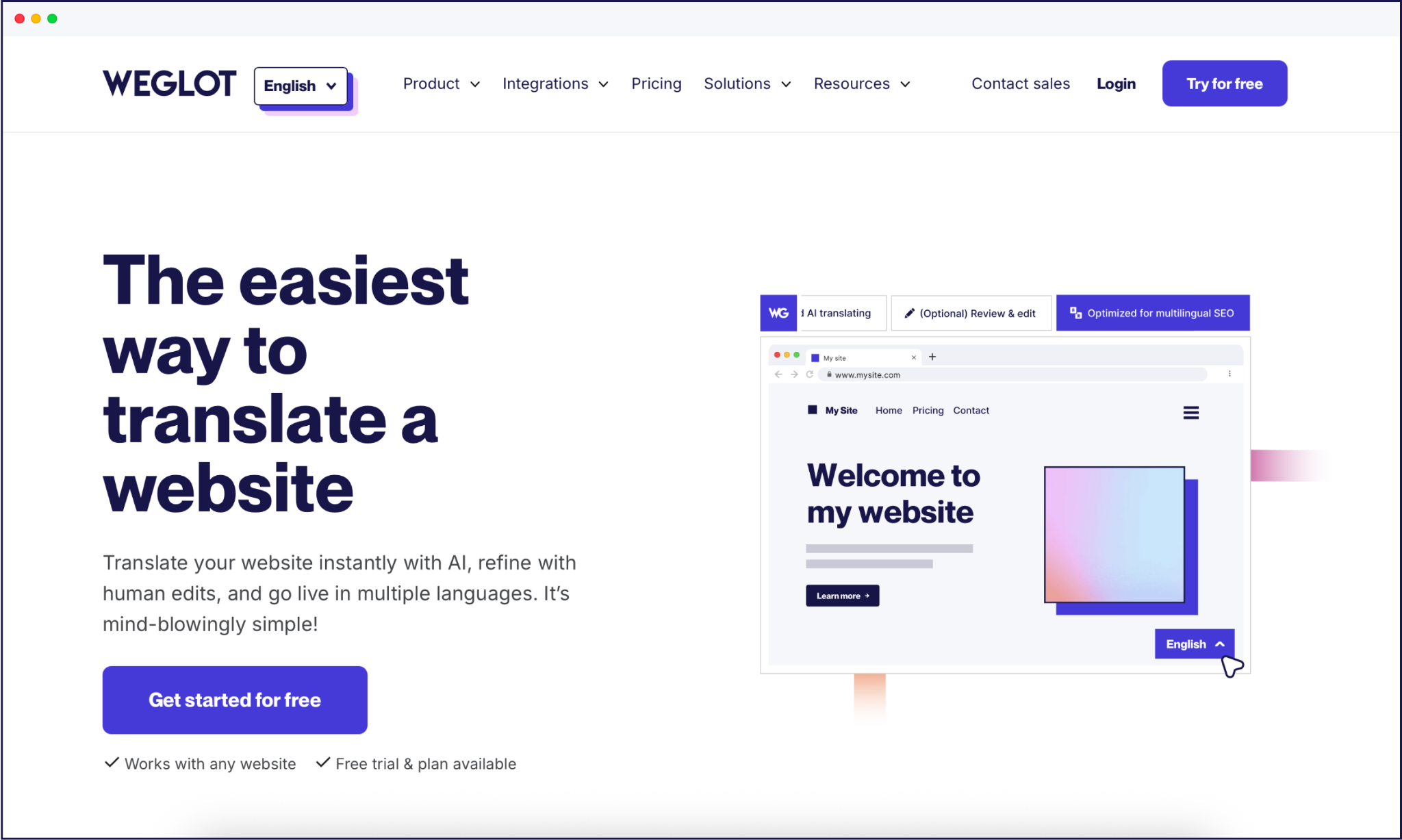
As we’ve seen, Weglot is an AI translation plugin that translates and displays the content of your ecommerce website.
You can use Weglot with WooCommerce (via WordPress), Shopify, and BigCommerce, so you can add multilingual capability without rebuilding your store stack. Setup is also super-fast – sites on WordPress take five minutes, and other CMSs less than 10 – so you can launch your multilingual ecommerce site in no time at all.
Weglot is also built around international SEO essentials, creating language-specific URLs via subdirectories or subdomains so each translated page can rank independently in local search engines. It automatically adds hreflang tags to your HTML, signaling to Google which language or regional version to show and helping you avoid duplicate content issues across markets.
Weglot’s free tier gives you 2,000 translated words, in one additional language. If you need more languages or additional words translated, tiered pricing plans allow you to scale at your own pace.
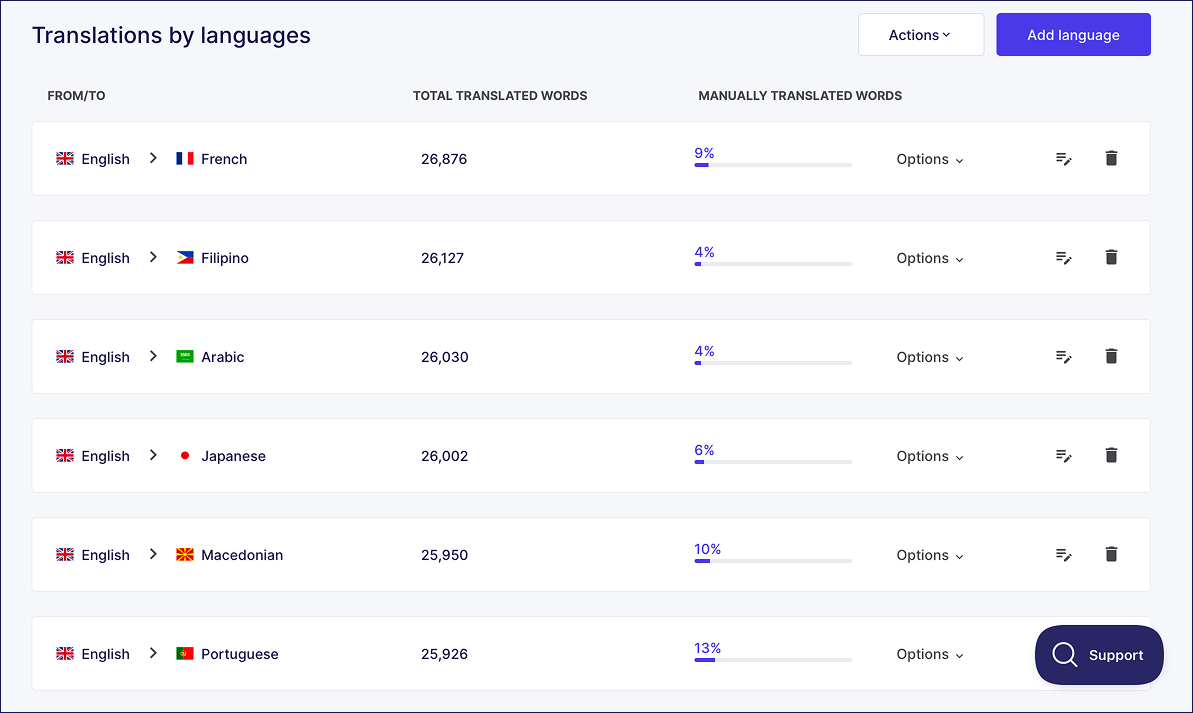
Weglot’s centralized dashboard manages all language translations from a single interface – there’s no need to switch between language versions.
You can track translation status, assign team member roles (translator, reviewer, admin), and approve edits for each language from a single screen.
Update your source language content once, and Weglot will automatically flag corresponding translations that need updates across all languages.
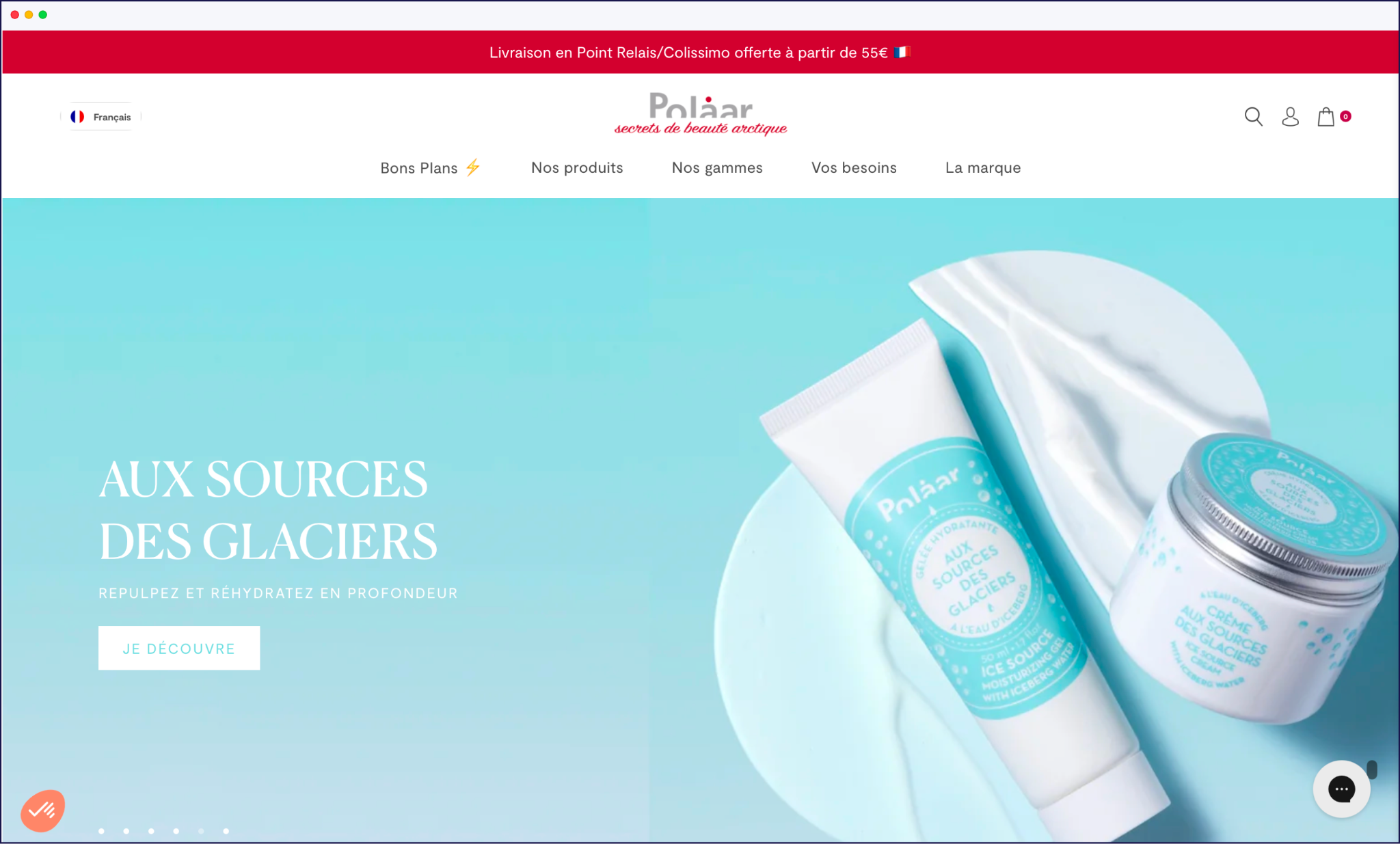
Localization goes beyond language translation – it means adapting your ecommerce operations (payments, checkout, support) to meet regional expectations. You’ll also need to offer multiple currency options as well.
A currency converter allows people to see prices in a currency they understand. Given that 40% of people won’t buy products in different currencies, this is a definite must-have!
There are many plugins for converting currency in WooCommerce, from limited freebies to paid subscriptions. The best options enable your customers to switch to different currencies and view price conversions in real-time.
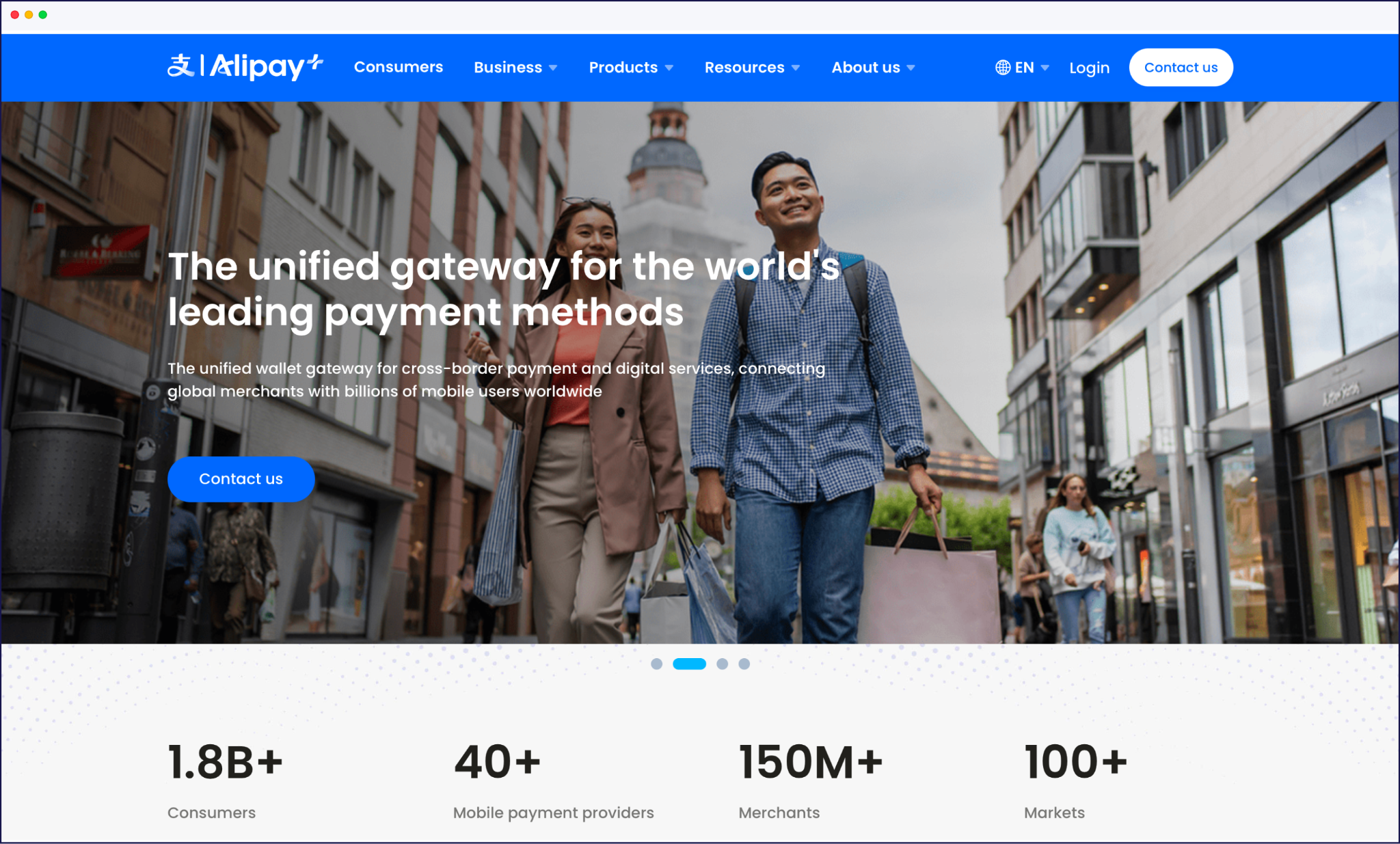
Beyond currency display, international customers expect region-specific payment methods they trust and use regularly. Digital wallets like PayPal are popular in Germany. China prefers Alipay and WeChat Pay. Brazil uses Pix, and bank cards remain popular in France.
Payment gateways like Stripe support multiple regional methods from a single integration, automatically displaying relevant options based on customer location.
A localized checkout translates all form fields, error messages, shipping options, and confirmation emails into the customer’s language. Address format requirements vary by country, so be sure to research these – the US needs state selection, the UK requires a specific postcode format, and Japan uses a different field order completely.
Tax display rules also differ. The EU requires VAT-inclusive pricing, the US typically shows tax at checkout, and some countries mandate duty disclosure upfront. Beyond standard sales tax, businesses must also account for country-specific import duties and administrative surcharges.
Including these secondary tariffs prevents unexpected costs for the consumer. However, this may not be possible for all destinations. In these cases, a disclaimer note should be added, such as 'additional customs charges may apply at the point of delivery'.
Shipping carrier familiarity matters too – international customers trust local carriers (DHL in Germany, La Poste in France) over unfamiliar options. It's advisable to give users choice wherever possible.
Finally, customer support in the local language – translated FAQs, chat support, and localized return policies – reduces friction and builds loyalty.
Displaying prices in a shopper’s local currency is essential for international conversion rates, but most stores can’t do this without enabling multi-currency features or adding a dedicated currency converter plugin.
As we’ve seen, on WooCommerce, currency switching is not built in – you add it via extensions like WooCommerce Multi‑Currency Switcher or third‑party plugins such as CURCY or WC Multicurrency, which handle automatic exchange rates and currency switchers.
Shopify offers built-in multi‑currency through Shopify Payments and Shopify Markets, automatically detecting a customer’s location and showing prices and checkout in their local currency when configured, so you usually don’t need a separate converter app for basic use cases.
BigCommerce also includes native multi‑currency capabilities, letting you add multiple currencies, auto‑convert prices, and connect compatible gateways without extra plugins, which makes it similar to Shopify in this respect.
Test the complete customer experience in each language – browse products, add to cart, complete checkout, and receive confirmation emails. Look for any untranslated elements.
Verify your language switcher works on all pages, that translated URLs load correctly, and that hreflang tags are properly implemented – Weglot’s hreflang checker is a gift here! And remember to check mobile responsiveness for each language – some languages like German and Russian use longer words that break layouts on smaller screens.
Let’s recap the three steps to setting up a multilingual ecommerce store:
Keep in mind these best practices for the best chances of success!
Whether you’re on Shopify, WooCommerce, BigCommerce or another platform, you can enjoy AI-powered automated translation with Weglot’s custom AI Language Model, 110+ languages, and 5-10 minute setup. Get ready to grow by starting a free 14-day trial today, on any pricing tier, and with no credit card required.
No. Modern translation tools like Weglot create language-specific URLs (subdirectories like /es/ or /fr/) under a single domain. This keeps your SEO authority intact and is much simpler to manage than separate domains. However, you can use separate domains if you wish – sometimes these suit the needs of large enterprises.
It depends on your approach. AI-powered tools like Weglot translate an entire site in 5-10 minutes. Database plugins like WPML take longer to configure, depending on content volume.
Absolutely. AI translation provides immediate coverage. You can then manually edit high-priority pages, add glossary terms, and train Weglot’s AI Language Model to improve quality over time.
Not when implemented correctly. Proper hreflang tags, translated URLs, and localized metadata actually improve rankings in target markets. Each language page ranks independently in local search engines.
Shopify uses an app-based approach – simpler but with less control, although translation tools can easily be integrated for greater functionality. WordPress uses translation plugins – more flexible but requires more configuration. Both support multilingual sites, but the right choice depends on your technical comfort and existing platform.
Is multilingual ecommerce different for B2B stores?
Yes. B2B stores have additional localization requirements beyond standard ecommerce. Quote and invoicing systems need full language support so buyers can review pricing in their own language. Contract terms and conditions require legal localization to comply with regional regulations. And technical product specifications need precision translation, especially for industry-specific terminology.
Many stores leave parts like checkout pages or transactional emails untranslated – tools that automatically detect and translate all dynamic content are needed. Search ranking issues often come from missing hreflang tags; resolve this with automatic hreflang generation or verification in Google Search Console. Robotic AI translations can break brand tone, so train AI models on brand guidelines or use a professional human review. Finally, cart abandonment increases when regional payment methods are missing, so research local preferences and add the most popular gateways like Alipay in China, or Boleto in Brazil.

Translate your website instantly with AI, refine with human edits, and go live in minutes.
Trusted by 70,000+ global brands


The best way to understand the power of Weglot is to see it for yourself. Test it for free and without any engagement.
The best way to understand the power of Weglot is to see it for yourself. Test it for free and without any engagement.
A demo website is available in your dashboard if you’re not ready to connect your website yet.
