

Try Weglot for free


Lost and confused…
That’s exactly how your customers can feel when you’re pitching them your products, but your website is in a language completely foreign to them. And if they can’t understand what you’re trying to get across, then the chances of them actually buying what you’re selling are extremely slim.
While translating your website helps improve the situation to some extent, the more effective approach is to have a global marketing strategy, which involves localizing your content to fit the needs of your target audience. With a properly localized multilingual website, you’ll be able to market your offerings more successfully to audiences in different geographical locations. And as a result, you’re far more likely to generate more revenue!
Below, we compare the best localization tools for websites in 2026 – what each one is best for, how they’re priced, and which type of tool suits your setup. Want the short version? Jump straight to the comparison table.
Note: This article will focus only on the localization of websites and not other formats, such as documents, apps, and software.
We compared these tools on the things that actually shape your day-to-day – setup effort, translation quality and AI features, integrations and developer support, multilingual SEO, team collaboration, and pricing.
Before diving into detailed reviews, here’s a quick comparison of the localization tools covered in this guide:
Note: Pricing as of July 2026. Free plans and trials available for several platforms (see below).
Ready to start localizing your website? Sign up for your 14-day free Weglot trial today – no credit card required.
As we’ve mentioned, localization tools serve different use cases and team sizes. Tech-free website tools like Weglot suit content sites and ecommerce stores without requiring development expertise.
Developer-focused platforms like Crowdin, Phrase, and Lokalise integrate with CI/CD pipelines for agile software teams. Enterprise platforms like Smartling and GlobalLink offer custom implementations for complex, multi-market organizations. Do your research, and choose based on your technical resources and project complexity.

Weglot is a tech-free localization tool for website content and ecommerce sites. We integrate with all other platforms (see details below). Our cloud-based dashboard centralizes all translation management.
We provide AI translation powered by DeepL, Google Translate, and Microsoft Translator. You can refine translations using our Visual Editor or order professional human translation directly through your dashboard. Over 110,000+ websites use Weglot for multilingual content, from startups and SMEs to enterprise brands.
Key Features:
Integrations: WordPress, Shopify, Webflow, Squarespace, Wix among others.
Pricing:
Strengths:
Considerations:
Ready to start translating your website? You can start your free trial of Weglot right now, and you’ll have a multilingual website in a matter of minutes – no credit card required.

TranslatePress is a self-hosted WordPress plugin that translates your site directly from the front end, so you edit each string while seeing exactly how the page looks. It pairs manual translation with automatic translation through Google Translate or DeepL, and it keeps all your translation data on your own server. For smaller WordPress sites that want hands-on control without a monthly subscription, it’s an affordable place to start.
Key Features:
Integrations: Google Translate, DeepL, WooCommerce, and most WordPress themes and page builders.
Pricing:
Considerations:

Phrase is a cloud-based localization platform built for developer teams. The platform provides a centralized environment for managing translations. Phrase comes in two versions – Phrase TMS for content localization and Phrase Strings for software/app localization.
This separation ensures developers work with string-focused tools while content teams use full TMS features. The platform supports 50+ integrations including GitHub, AWS, WordPress, and HubSpot.
Key Features:
Integrations: GitHub, AWS, WordPress, HubSpot, Slack, Figma among others.
Pricing:
Note: All Phrase payment plans come with unlimited languages, but check details regarding tier limitations.
Considerations:
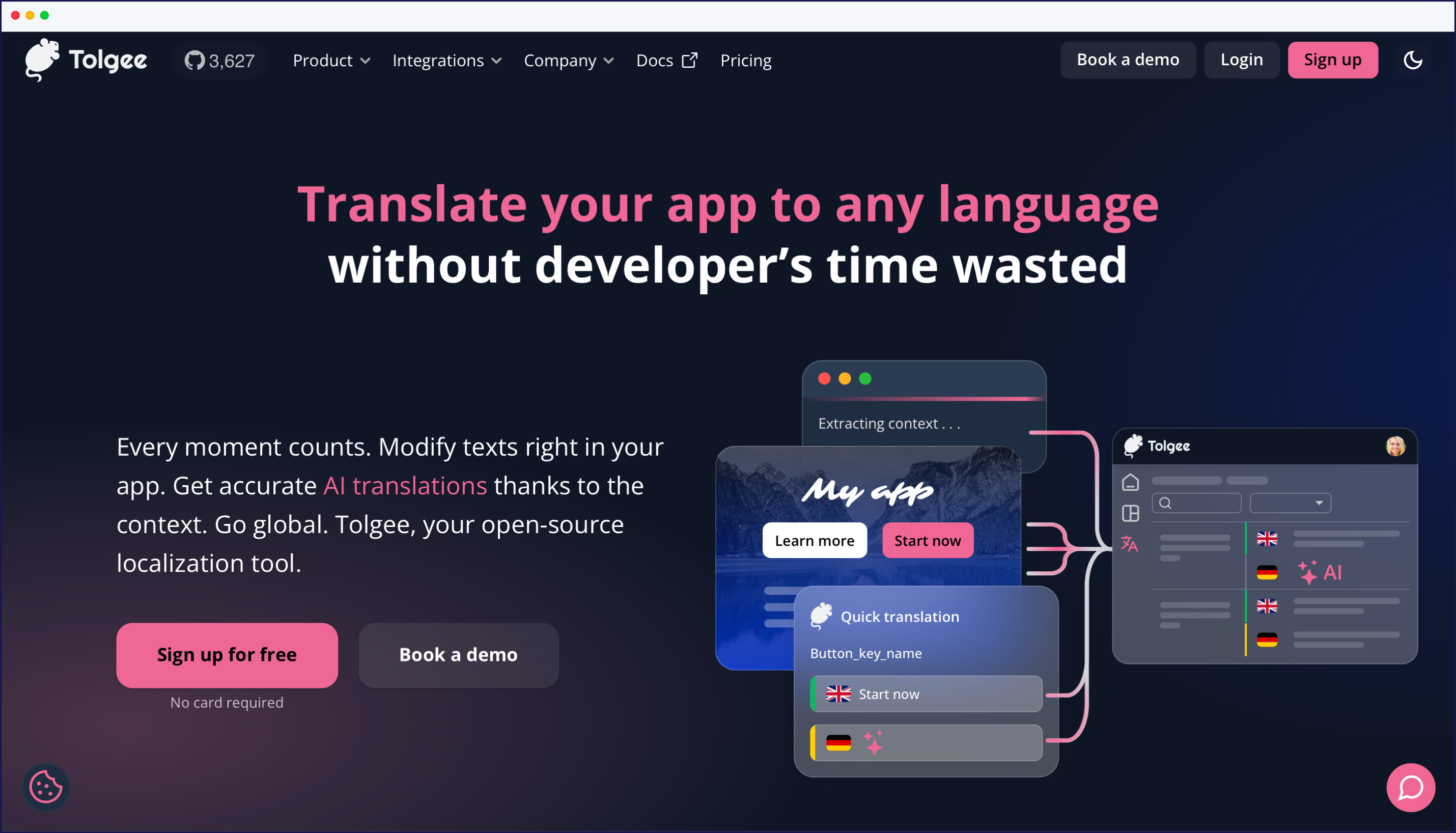
Tolgee is an open-source localization platform built developer-first. Translators work in context – ALT-clicking text directly in your running app to edit it, with screenshots for reference – so nobody has to dig through source files or spreadsheets. It ships with SDKs for the common frameworks, and you can self-host it for free or run it on the managed cloud. It’s a strong fit for engineering teams that want to keep internationalization in their own stack while still giving translators the visual context they need.
Key Features:
Integrations: GitHub, GitLab, Figma, and framework SDKs (React, Vue, Angular, Svelte, among others) via its open API.
Pricing:
Considerations:

XTM Cloud is an enterprise translation management system that pairs AI translation with workflow automation and strong quality assurance for high-volume, multi-market localization. It’s built around terminology control, translation memory, and the security and compliance that regulated organizations need. With 50+ pre-built connectors and an extensive API, it fits into large, ongoing content operations rather than one-off website translation.
Key Features:
Integrations: Adobe Experience Manager, Sitecore, Figma, Salesforce, Zendesk, and GitHub among 50+ others.
Pricing:
Considerations:
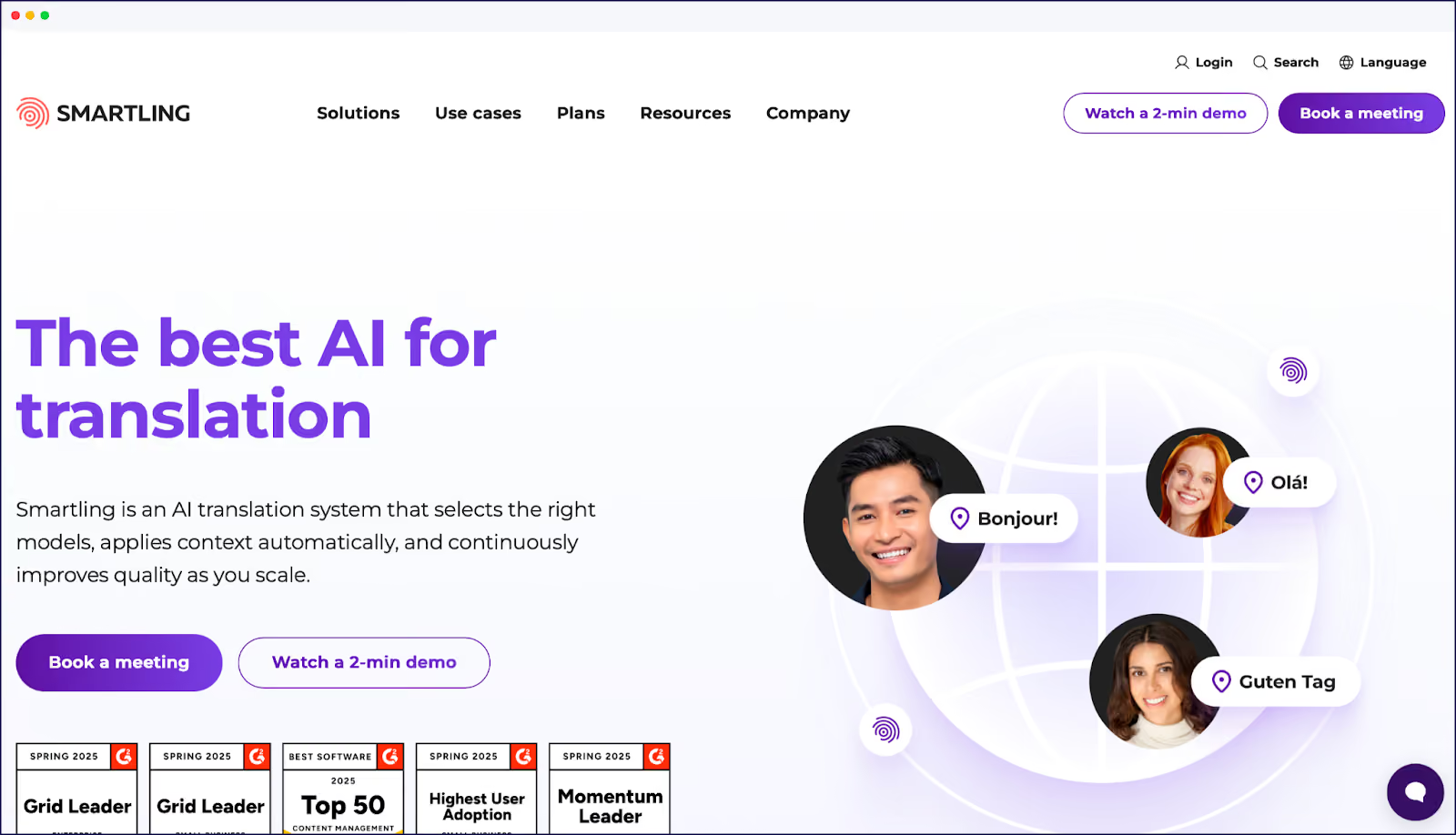
Smartling is an enterprise localization platform designed for large organizations. The platform bridges the gap between technical and non-technical teams. Smartling provides visual context to translators, showing them where text appears in the user interface.
This context-aware approach reduces translation errors and revision cycles. The platform automates content detection for web and mobile apps, and AI integration powers translation suggestions and quality scoring. Smartling serves enterprises with complex, multi-market localization needs.
Key Features:
Integrations: Contentful, Sitecore, Adobe Experience Manager, Marketo, Salesforce among others.
Pricing:
Considerations:

Lokalise is a collaborative platform designed for developers and technical teams. The platform focuses on simplifying workflows through automation. Lokalise features a dedicated API for custom integrations.
Teams can work on different project branches simultaneously. The platform handles web apps, mobile apps, marketing assets, and customer service content. Automated translation quality assurance catches errors before deployment. Version control and chained tasks enable efficient workflow management.
Key Features:
Integrations: GitHub, Bitbucket, Figma, Slack, Jira, Adobe XD among others.
Pricing:
Considerations:

GlobalLink offers a comprehensive range of translation services. The platform handles website localization, including cultural research and local context analysis. Businesses interested in GlobalLink’s services need to obtain a custom quote.
Key Features:
Integrations: Contact for integration details.
Pricing: Custom pricing based on project scope – contact sales for quote.
Considerations:

POEditor is a localization management platform for individuals and small teams. The platform translates websites, games, and software using AI translation. Human translation is available through partner providers.
POEditor offers a translation crowdsourcing feature for community-driven projects. The platform integrates with GitHub, GitLab, and other code repositories.
Key Features:
Integrations: GitHub, GitLab, Bitbucket, other code repositories.
Pricing:
Note: All POEditor plans come with unlimited languages but check each pricing tier for an overview of limitations.
Considerations:

Transifex provides continuous localization for websites, apps, and video subtitles, offering an all-in-one localization experience. Transifex features developer-centric tools like webhooks and command-line interfaces.
The platform supports style guides for brand consistency. Publishing happens via API or CLI for automation. Transifex integrates easily with development workflows.
Key Features:
Integrations: GitHub, GitLab, Jira, Slack, Zendesk, WordPress among others
Pricing:
Note: All Transifex plans come with unlimited languages but price points are dependent on word count. Check the Transifex website for details.
Considerations:

Crowdin is a platform that integrates localization into the development pipeline. The platform is compatible with CI/CD workflows. Crowdin offers AI-powered translation for initial drafts.
The platform specializes in agile localization for websites, mobile apps, games, and documentation. Crowdin supports over 40 file formats including JSON and CSV, with strings management allowing developers to approve specific translations.
The platform integrates with GitHub, Figma, and other development tools. Teams can use AI translation or work with human translators.
Key Features:
Integrations: GitHub, GitLab, Figma, Jira, Slack, Jenkins, OpenAI among 600+ others.
Pricing:
Note: All Crowdin plans come with unlimited languages but check each pricing tier for an overview of limitations.
Considerations:
Global brands rely on localization tools to expand internationally. From ecommerce to streaming services, companies across industries are using localization platforms to reach new markets. The following success stories demonstrate the business impact of effective website translation.




These companies share common success factors:
Analyzing these case studies demonstrates how localization tools enable rapid market expansion without proportional increases in translation costs. The combination of AI translation for volume and selective human refinement for quality creates scalable multilingual operations – without compromising on the localization quality of your finished result.
As we’ve uncovered, choosing the right localization tool depends on your team structure, technical resources, and business goals.
Developer-focused platforms provide CI/CD integration for software teams, while enterprise tools offer custom implementations for complex, multi-market operations. Tech-free website tools like Weglot serve content sites and ecommerce stores of any size and business stature, without requiring development expertise.
Always consider your specific needs – and future scaling forecasts – rather than choosing based on features alone. Choose the right tool from the start, and you won’t run into limitations in future.
If you’re ready to localize your website or ecommerce store? Simply install our plugin from the WordPress repository, Shopify App Store, or other platform marketplaces. Select your target languages and see your entire site go multilingual in a matter of minutes.
To get started, download our free plan for the perfect entrée, or try a 14-day free trial on any Weglot plan for a tantalizing glimpse at the main course.

We’ll get your first languages live. You decide how far you want to go. Try Weglot for free today.
Trusted by 110,000+ global brands





Weglot is tested and trusted by brands worldwide since 2016. Join them today.


Translated versions of this page received 0 visits in the last 90 days

The best way to understand the power of Weglot is to see it for yourself. Test it for free and without any engagement.
A demo website is available in your dashboard if you’re not ready to connect your website yet.
